
Hermes Agent Deployment Guide: Build Your First AI Assistant Step by Step
Hermes Agent is an open-source, self-hosted AI agent system with long-term memory and skill accumulation. This guide demonstrates a 10-minute deployment on a Linux cloud server, covering environment setup, LLM API configuration, TUI conversation, and QQ bot integration. It supports multiple models (Kimi, GLM, Claude, Gemini, etc.) and 40+ tools including MCP, terminal, and cron. The example shows the agent designing and deploying a Minecraft website via a QQ bot, and users can customize it to add features. Readers gain a practical path to building a continuously improving personal AI assistant.
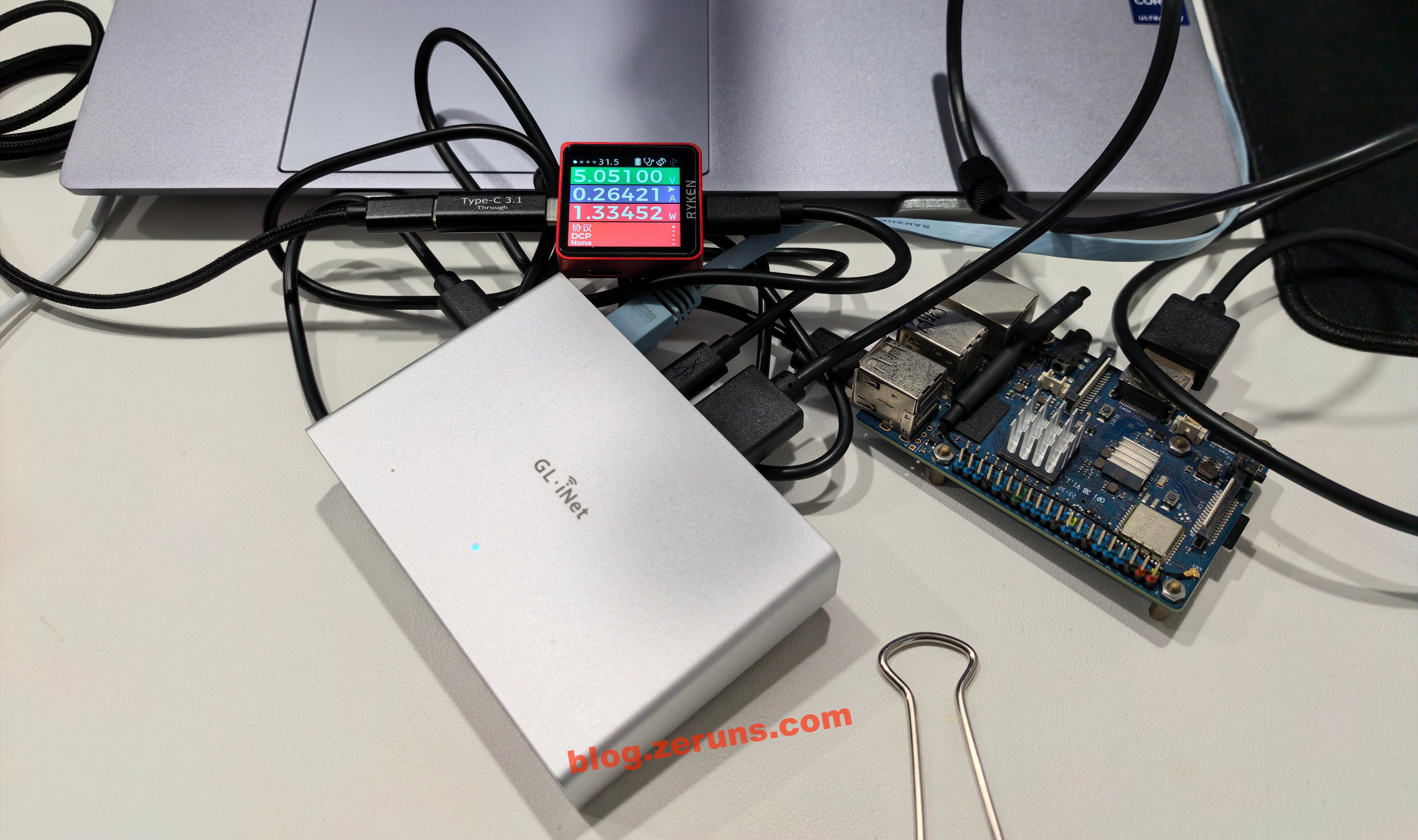
GL-RM1PE Unboxing, Review, and Teardown: Enabling BMC Remote Management on a Regular PC
The GL-RM1PE is a PoE-enabled IP-KVM device providing remote BIOS-level control, 4K@30 video, low latency, two-way audio, file transfer, and ISO mounting for OS installation. It features 32GB eMMC and works with the FGB-01 Finger Robot, a Bluetooth button emulator for remote power control. The teardown reveals Rockchip RV1126, KIOXIA eMMC, and Nordic nRF54L15 internals.
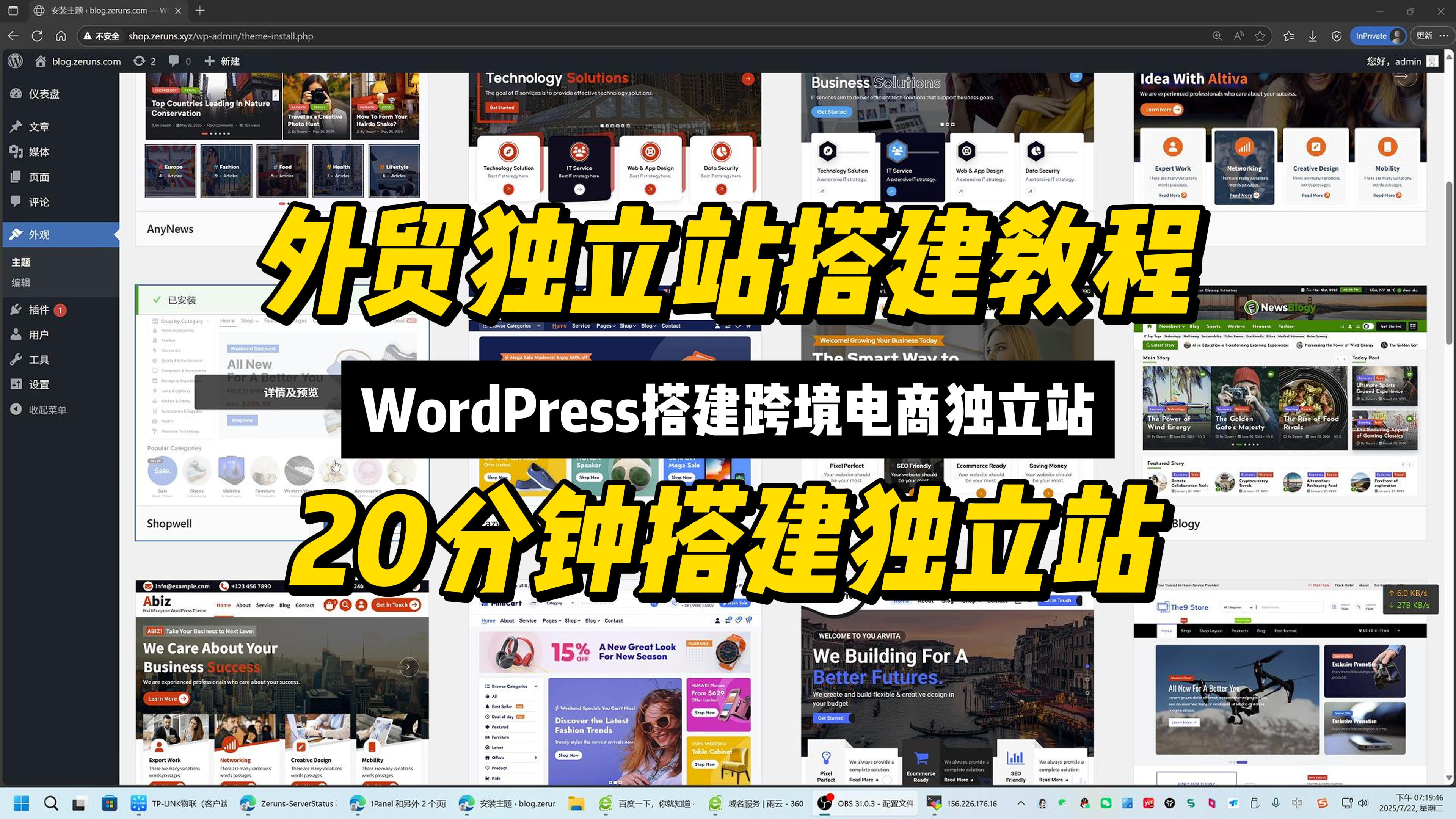
Tutorial: Building Cross-border E-commerce Independent Sites, WordPress Foreign Trade Site Guide
This tutorial provides a beginner-friendly, no-code guide to building a cross-border e-commerce independent website using Linux, 1Panel, WordPress, and WooCommerce. It covers domain registration, cloud server setup, 1Panel installation, WordPress deployment, theme and plugin configuration, store setup, and HTTPS activation. Readers gain full brand and data ownership, global reach, and independence from third-party platform rules and commissions through a fully open-source, containerized solution.
Minecraft Better MC Modpack Server Setup & Multiplayer Tutorial | BMC4 Chinese Version Download
This article explains how to deploy a Better MC [FORGE] BMC4 modpack server on Linux using MCSManager. It includes client and server downloads with a Chinese language patch. The modpack adds over 270 mods, 100+ quests, adventure and RPG exploration, and multiplayer support. The guide covers installing MCSM10, Docker, and Java 17, uploading the server ZIP, running it via run.sh, and editing server.properties. At least 4 cores and 8GB RAM with strong single-thread CPU performance are required. Players join using the server IP and port, while admins can grant operator permissions via console commands.
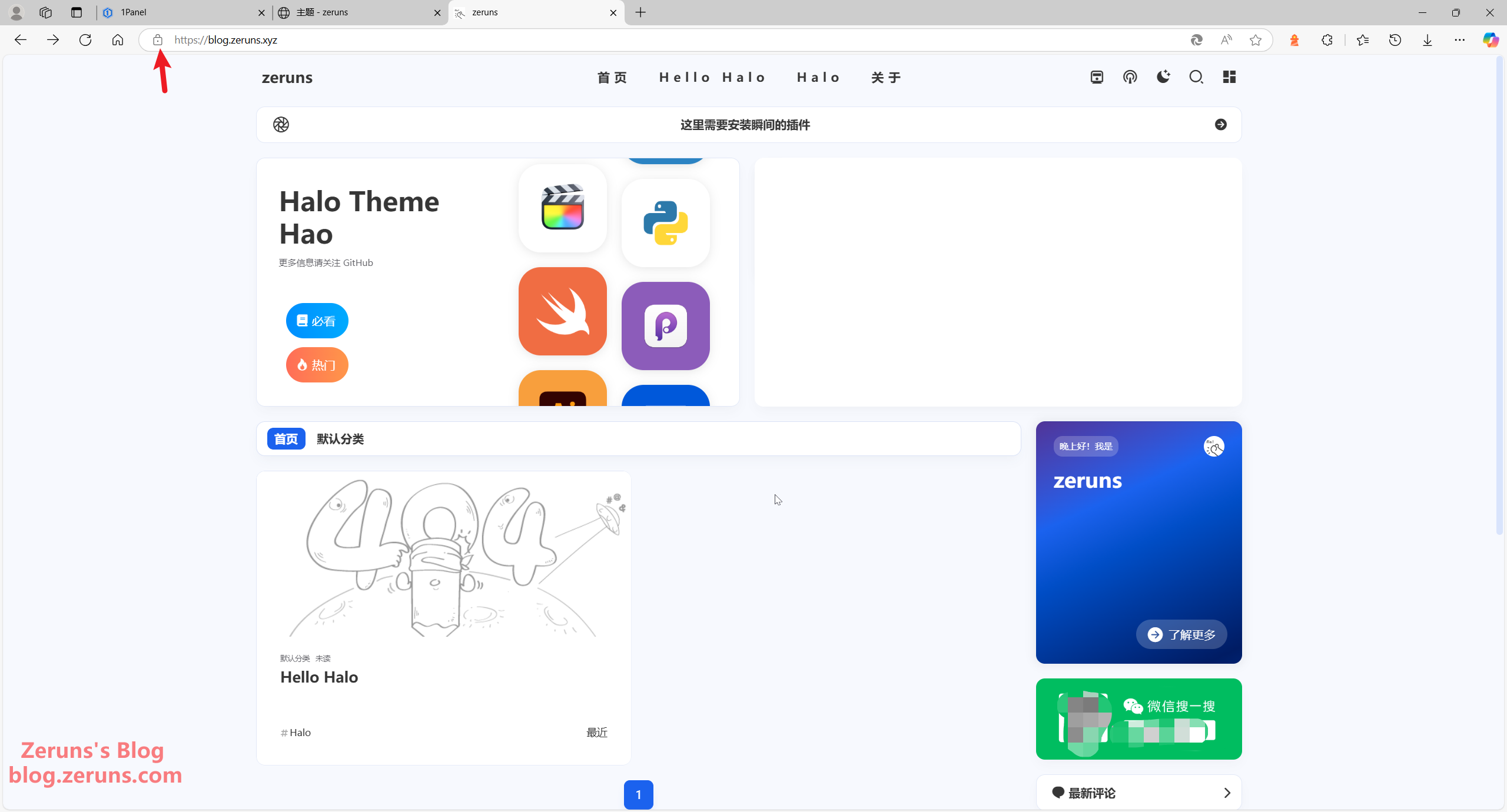
One-Click Halo Blog Deployment with 1Panel | Enterprise & Personal Website Setup Tutorial
This article provides a beginner-friendly tutorial for building a personal blog website using Linux, Docker, 1Panel, and Halo. It explains domain registration, cloud server purchase (Hong Kong server avoids ICP filing), 1Panel and Docker installation, Halo deployment, theme/plugin customization, and HTTPS/SSL setup. No programming skills are required. The solution is containerized and open-source, supports HTTPS, and with a theme change can also serve as a corporate website.
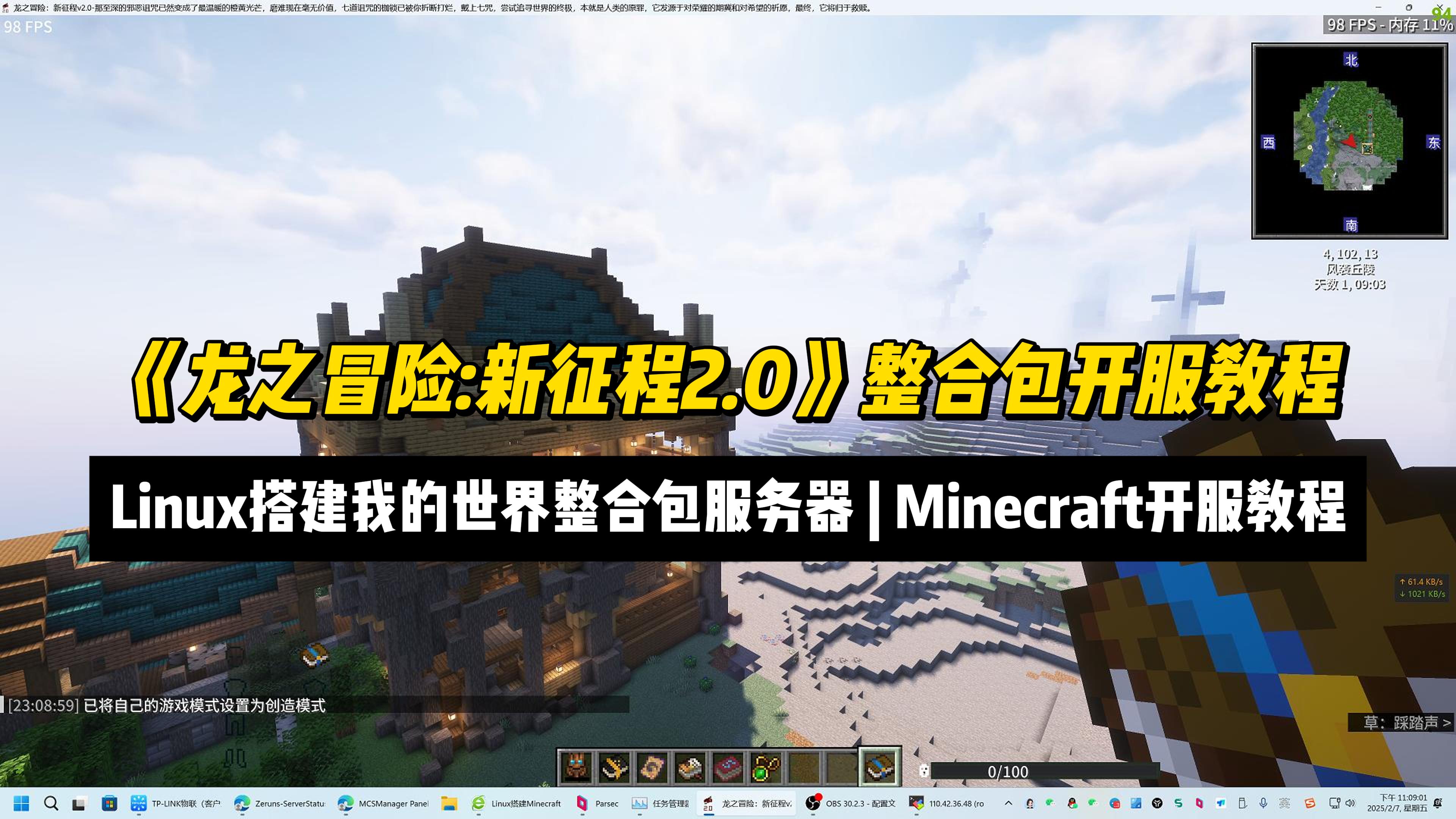
Setup a "Dragon Adventure: New Journey 2.0" MC ModPack Server | Minecraft Server Setup Tutorial
This article provides a tutorial for setting up a Minecraft mod pack server for “Dragon Adventure: New Journey 2.0” on Linux using MCSManager 10 and Docker. It covers mod pack features, hardware requirements, and step-by-step instructions including installing MCSM, Docker, Java 17, configuring port mapping, uploading the server archive, and launching the instance. Key facts include the mod pack’s 600+ quests, over 20 bosses, and 1.20.1 version base. Readers gain practical knowledge to deploy and manage the server, grant operator privileges, and connect clients.
7 Days To Die Server Setup Guide. How to Set Up Your Own 7 Days To Die Dedicated Server
This guide explains how to set up a 7 Days to Die multiplayer server from scratch. It covers purchasing a Rainyun cloud server, connecting via Remote Desktop, configuring NAT port forwarding, expanding disk space, installing the server via SteamCMD, editing server configuration files, and joining the game by IP and port. Readers learn to host a playable server with friends using the provided beginner-friendly steps.
How to Install Minecraft Bedrock Dedicated Server (BDS). Setting up a MC Bedrock Server on Debian
The article details a step-by-step Debian-based setup for a Minecraft Bedrock Edition server managed through the MCSManager (MCSM) web panel. It explains Bedrock Edition's cross-platform play and performance benefits, and why Debian is memory-efficient. The guide covers prerequisites (recommended 4-core/8GB RAM for ~15 players), port mapping for NAT servers, MCSM installation, installing the required libcurl library, running the official BDS server, and granting OP permissions. Readers gain a conveniently manageable multiplayer server accessible via web interface.
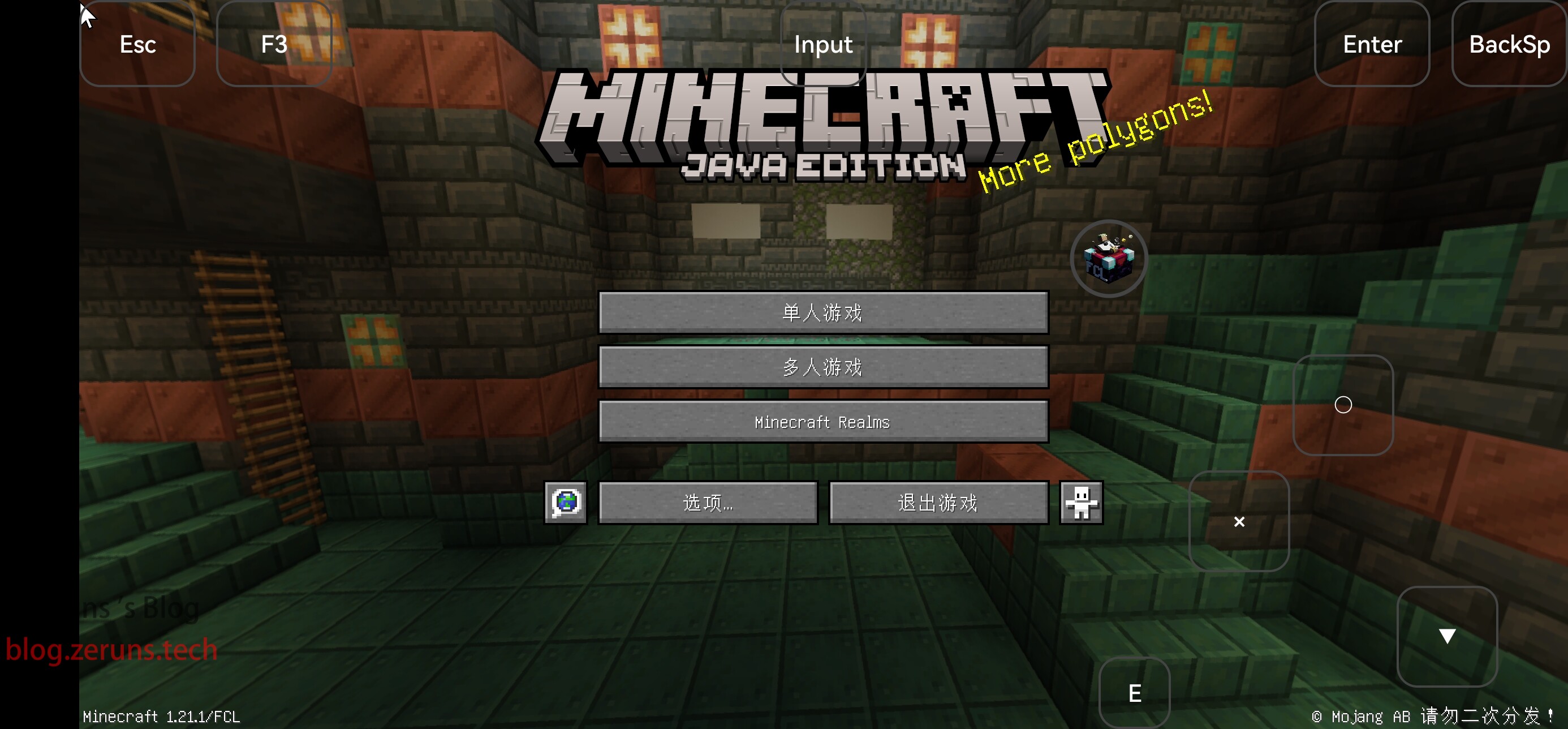
How to Install Minecraft Java Edition on Android: A Guide to Playing Java Minecraft on Your Phone
This article provides a step-by-step tutorial for installing Minecraft Java Edition on Android using the FCL launcher. It highlights FCL’s advantages, including support for versions 1.17 and above, a built-in Java runtime, and features like mod and shader support. The guide covers downloading the launcher, installing Java, selecting Minecraft 1.21.1, optionally installing Forge or Fabric, and launching the game.