![[Open Source] Discourse Reply-to-View / Login-to-View Plugin (discourse-reply-to-view) — Unlock Hidden Content by Replying](https://img.zeruns.top/blog-en/2026/09/17/cover957_16x9-1789579792.webp)
[Open Source] Discourse Reply-to-View / Login-to-View Plugin (discourse-reply-to-view) — Unlock Hidden Content by Replying
Discourse lacks a native reply-to-unlock feature, so the author built discourse-reply-to-view, a plugin adding reply-visible, login-visible, and reply-count tags. Hidden content is stored as fingerprinted placeholders and injected server-side after permissions are met, sealing leaks through search, email, RSS, exports, revisions, and translations. It supports trust-level exemptions, editor buttons, author previews, auto-unlock, and 49 languages. Installation requires a Docker rebuild; it is tested on Discourse 3.4+ with 79 RSpec cases.
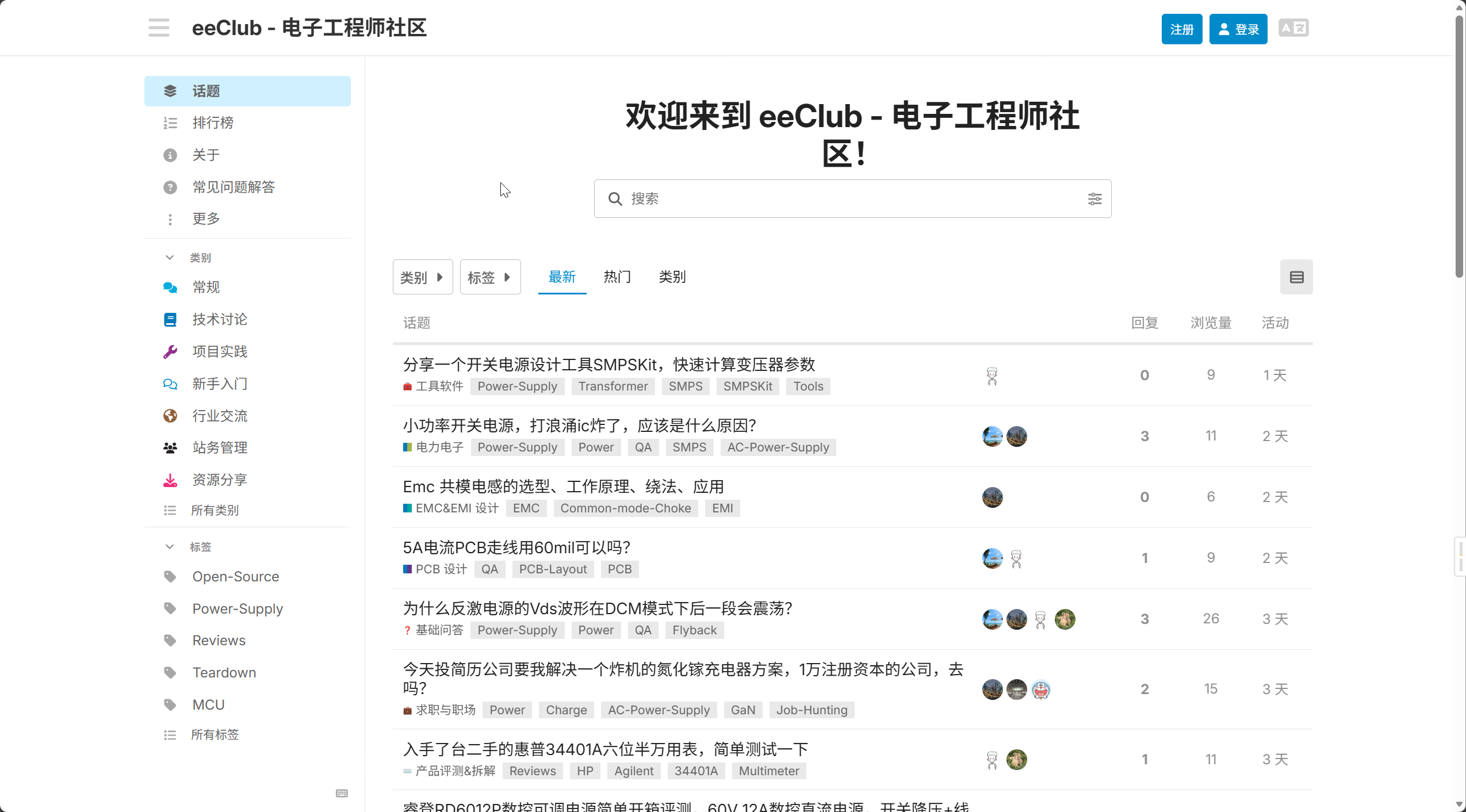
Discourse Forum Setup Tutorial: Zero-Base Deployment of Discourse Open Source Community Forum
本文介绍了如何基于Linux系统,借助宝塔面板和Docker技术,快速搭建国际流行的开源论坛软件Discourse。文章详细说明了Discourse的核心优势,包括实时交互、移动友好、信任等级系统、强大的搜索功能和丰富的插件生态,并指出其适用于企业社区、兴趣社群和内部协作等多种场景。教程核心部分涵盖从云服务器准备、宝塔面板安装与配置、Docker环境部署,到Discourse源码拉取、配置文件编辑(涉及端口映射、域名、管理员邮箱及SMTP设置),再到通过反向代理配置网站并申请SSL证书,最终完成论坛部署与管理员账号激活的全过程,为零基础用户提供了一条清晰的建站路径。 **摘要要点:** - **目的**:为零基础用户提供一站式Discourse论坛搭建方案。 - **核心组件**:Linux服务器、宝塔面板(简化服务器管理)、Docker容器、Discourse源码。 - **关键步骤**:配置Discourse(端口、域名、邮箱等)、通过宝塔设置反向代理与SSL证书。 - **成果**:成功部署一个具备基本功能且支持HTTPS的安全论坛网站。
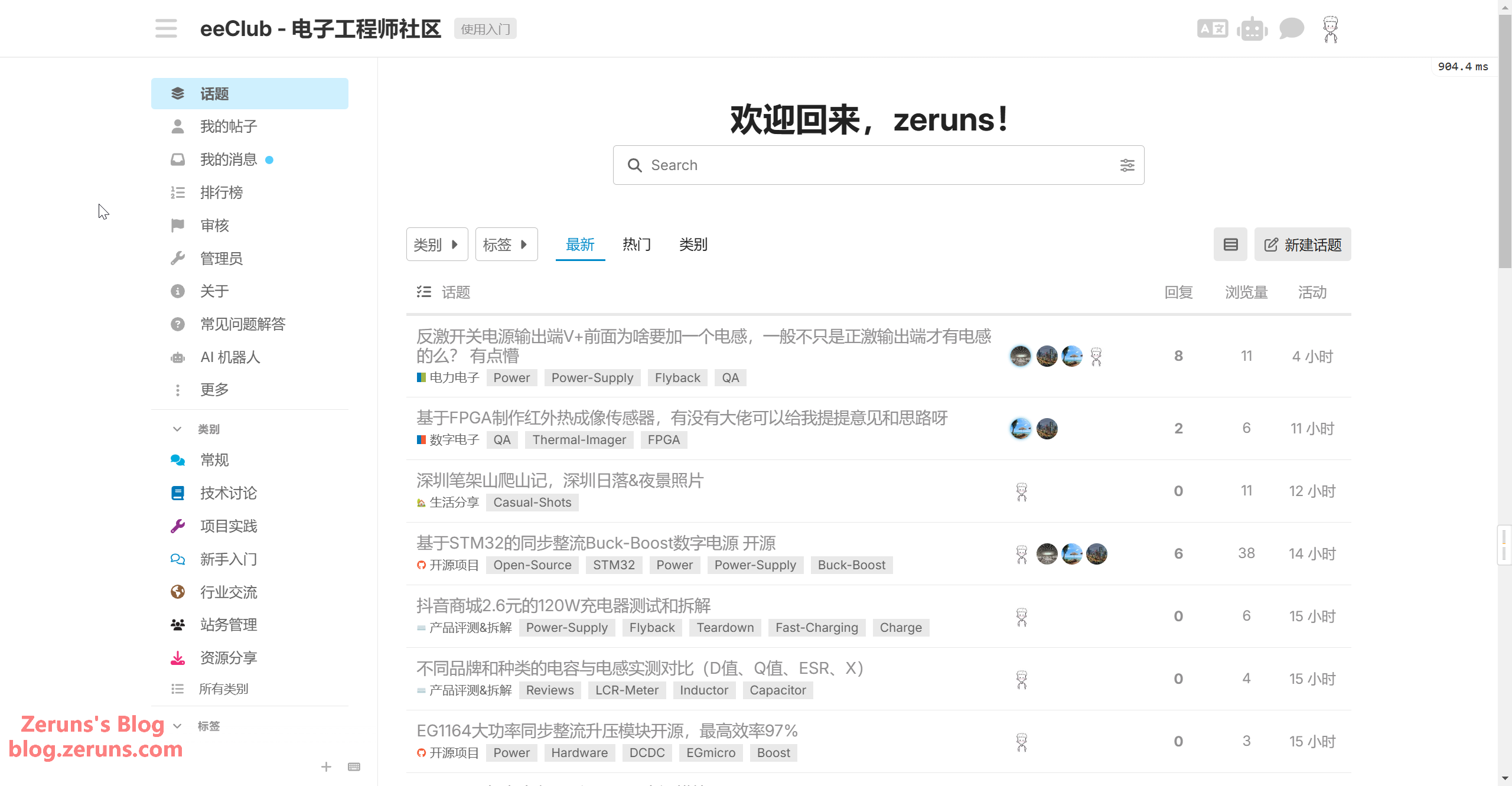
Discourse AI Configuration Tutorial: Using SiliconFlow API to Enable AI Features for Free
这篇教程详细介绍了如何为Discourse论坛启用和配置AI功能,主要包括AI搜索、AI翻译及AI相关话题推荐等。文章基于官方指南和实际部署经验,使用SiliconFlow作为AI服务提供商。配置过程分为三大步骤:首先启用Discourse AI插件;其次分别设置LLM(大语言模型)和Embedding(嵌入模型),包括填入API密钥、服务端点和模型参数;最后开启各项AI功能,如AI助手、内容摘要、自动翻译和语义搜索等。这些功能可提升社区管理效率、增强用户体验并保障数据安全。教程还附带了演示站点和相关资源链接供参考。