![[Open Source] Discourse Reply-to-View / Login-to-View Plugin (discourse-reply-to-view) — Unlock Hidden Content by Replying](https://img.zeruns.top/blog-en/2026/09/17/cover957_16x9-1789579792.webp)
[Open Source] Discourse Reply-to-View / Login-to-View Plugin (discourse-reply-to-view) — Unlock Hidden Content by Replying
Discourse lacks a native reply-to-unlock feature, so the author built discourse-reply-to-view, a plugin adding reply-visible, login-visible, and reply-count tags. Hidden content is stored as fingerprinted placeholders and injected server-side after permissions are met, sealing leaks through search, email, RSS, exports, revisions, and translations. It supports trust-level exemptions, editor buttons, author previews, auto-unlock, and 49 languages. Installation requires a Docker rebuild; it is tested on Discourse 3.4+ with 79 RSpec cases.
![[Open Source] IP Query Web — IP Geolocation Lookup, My IP, Domain Resolution](/upload/ChatGPT%20Image%202026%E5%B9%B45%E6%9C%8827%E6%97%A5%2002_03_24.png)
[Open Source] IP Query Web — IP Geolocation Lookup, My IP, Domain Resolution
An open-source IP geolocation query system built on the CZ88/Pure IP database is presented. It supports IPv4/IPv6 lookup, domain resolution, client IP detection, batch queries, and RESTful APIs with JSON or plain-text output. Deployment options include bare-metal Node.js, Docker, and Baota panel. Features include weekly automatic database updates, CLI tool, bilingual UI, site statistics, multi-layer security (CC protection, rate limiting, security headers), and CDN/Nginx real-IP support. Users can self-host a private lookup service, integrate the API into applications, or study Node.js/Express architecture.
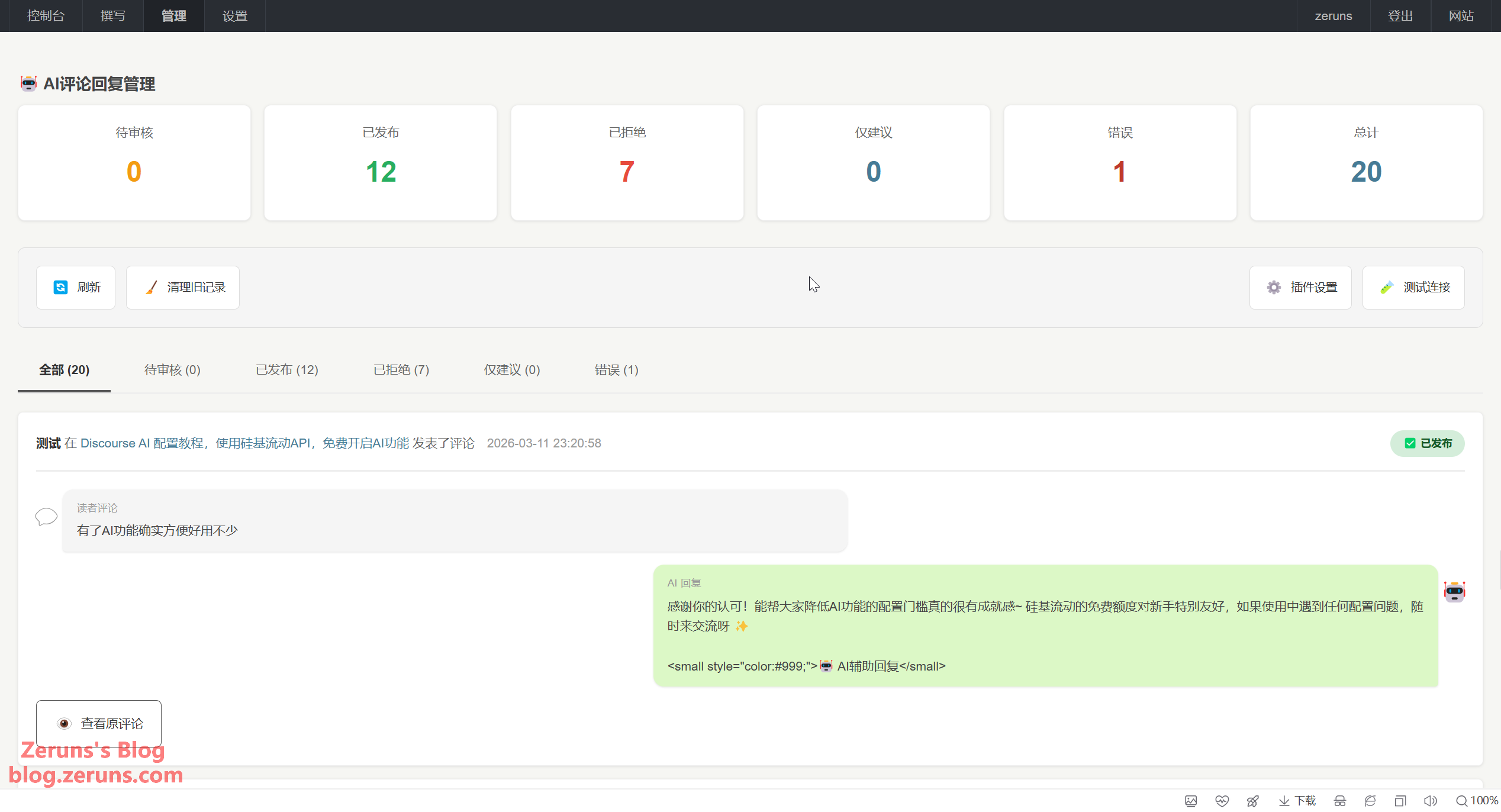
CommentAI - Typecho Blog AI Intelligent Comment Moderation & Reply Plugin
CommentAI is a Typecho plugin that automatically moderates and replies to comments using AI. It flags rejected comments for manual review, generates contextual replies, and supports multiple AI platforms including Qwen, OpenAI, DeepSeek, and Kimi. Features include three working modes, sensitive-word filtering, frequency limiting, reply delay, and trigger settings. Compatible with Typecho 1.2–1.3 and PHP 7+, it helps bloggers reduce spam and engage readers efficiently.
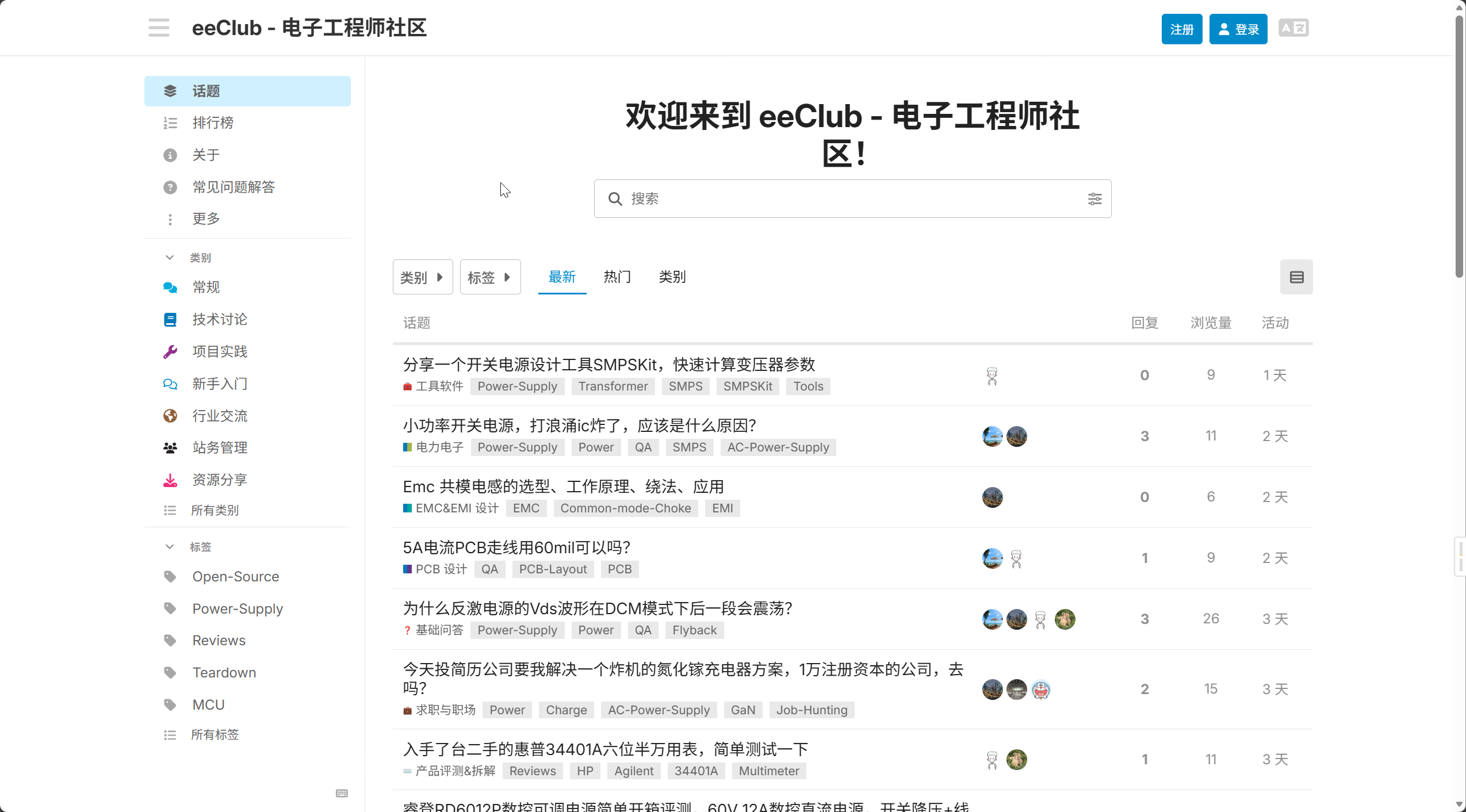
Discourse Forum Setup Tutorial: Zero-Base Deployment of Discourse Open Source Community Forum
本文介绍了如何基于Linux系统,借助宝塔面板和Docker技术,快速搭建国际流行的开源论坛软件Discourse。文章详细说明了Discourse的核心优势,包括实时交互、移动友好、信任等级系统、强大的搜索功能和丰富的插件生态,并指出其适用于企业社区、兴趣社群和内部协作等多种场景。教程核心部分涵盖从云服务器准备、宝塔面板安装与配置、Docker环境部署,到Discourse源码拉取、配置文件编辑(涉及端口映射、域名、管理员邮箱及SMTP设置),再到通过反向代理配置网站并申请SSL证书,最终完成论坛部署与管理员账号激活的全过程,为零基础用户提供了一条清晰的建站路径。 **摘要要点:** - **目的**:为零基础用户提供一站式Discourse论坛搭建方案。 - **核心组件**:Linux服务器、宝塔面板(简化服务器管理)、Docker容器、Discourse源码。 - **关键步骤**:配置Discourse(端口、域名、邮箱等)、通过宝塔设置反向代理与SSL证书。 - **成果**:成功部署一个具备基本功能且支持HTTPS的安全论坛网站。
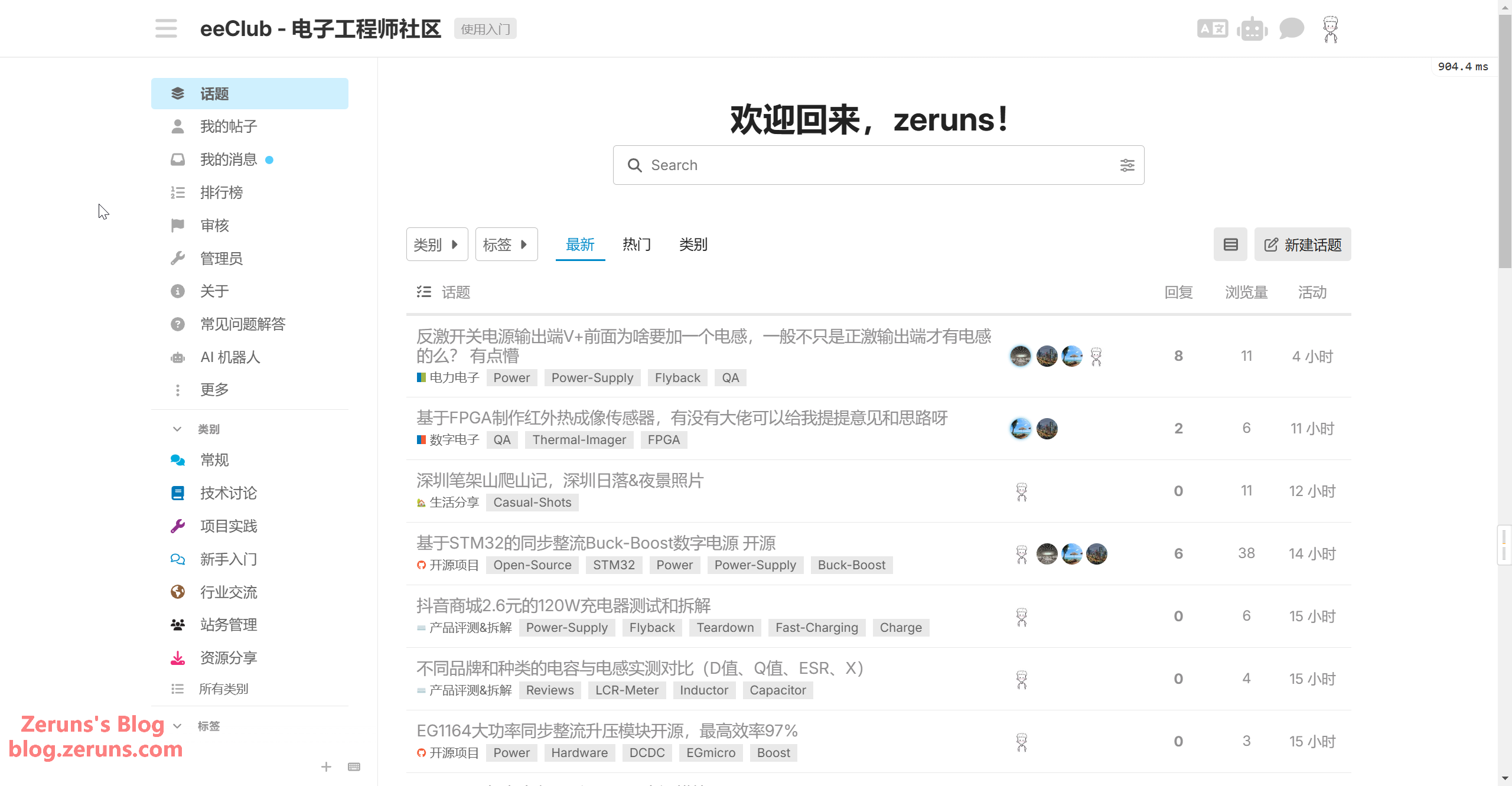
Discourse AI Configuration Tutorial: Using SiliconFlow API to Enable AI Features for Free
这篇教程详细介绍了如何为Discourse论坛启用和配置AI功能,主要包括AI搜索、AI翻译及AI相关话题推荐等。文章基于官方指南和实际部署经验,使用SiliconFlow作为AI服务提供商。配置过程分为三大步骤:首先启用Discourse AI插件;其次分别设置LLM(大语言模型)和Embedding(嵌入模型),包括填入API密钥、服务端点和模型参数;最后开启各项AI功能,如AI助手、内容摘要、自动翻译和语义搜索等。这些功能可提升社区管理效率、增强用户体验并保障数据安全。教程还附带了演示站点和相关资源链接供参考。
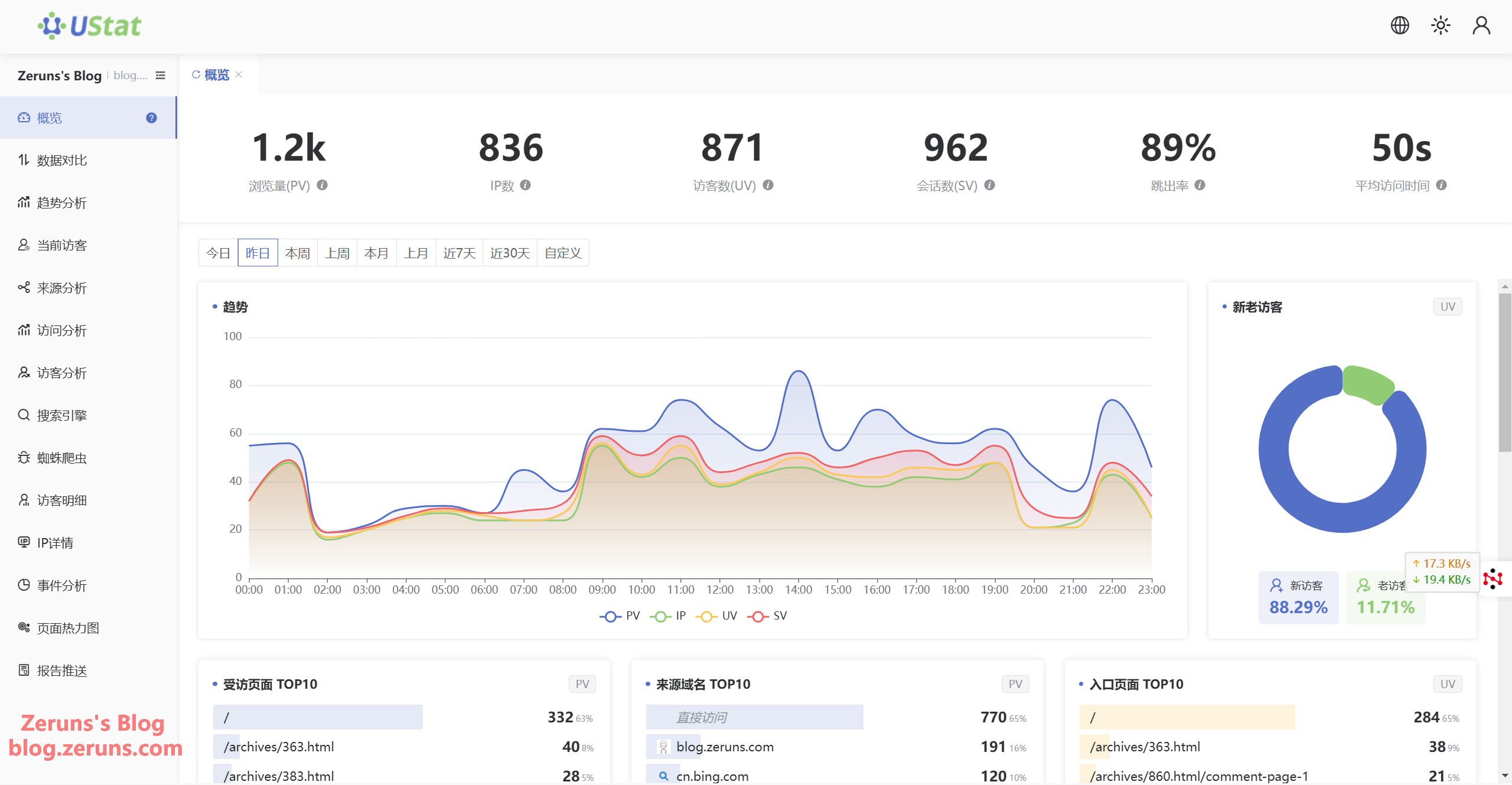
Sharing a website traffic data analytics platform - UStat
UStat is a free, user-friendly website analytics platform offering comprehensive traffic data: PV, UV, IP, bounce rate, visit duration, trend analysis, source and visitor details, search engine/spider statistics, and page heatmaps. Webmasters can integrate it by adding their site and pasting the provided code before the closing head tag.
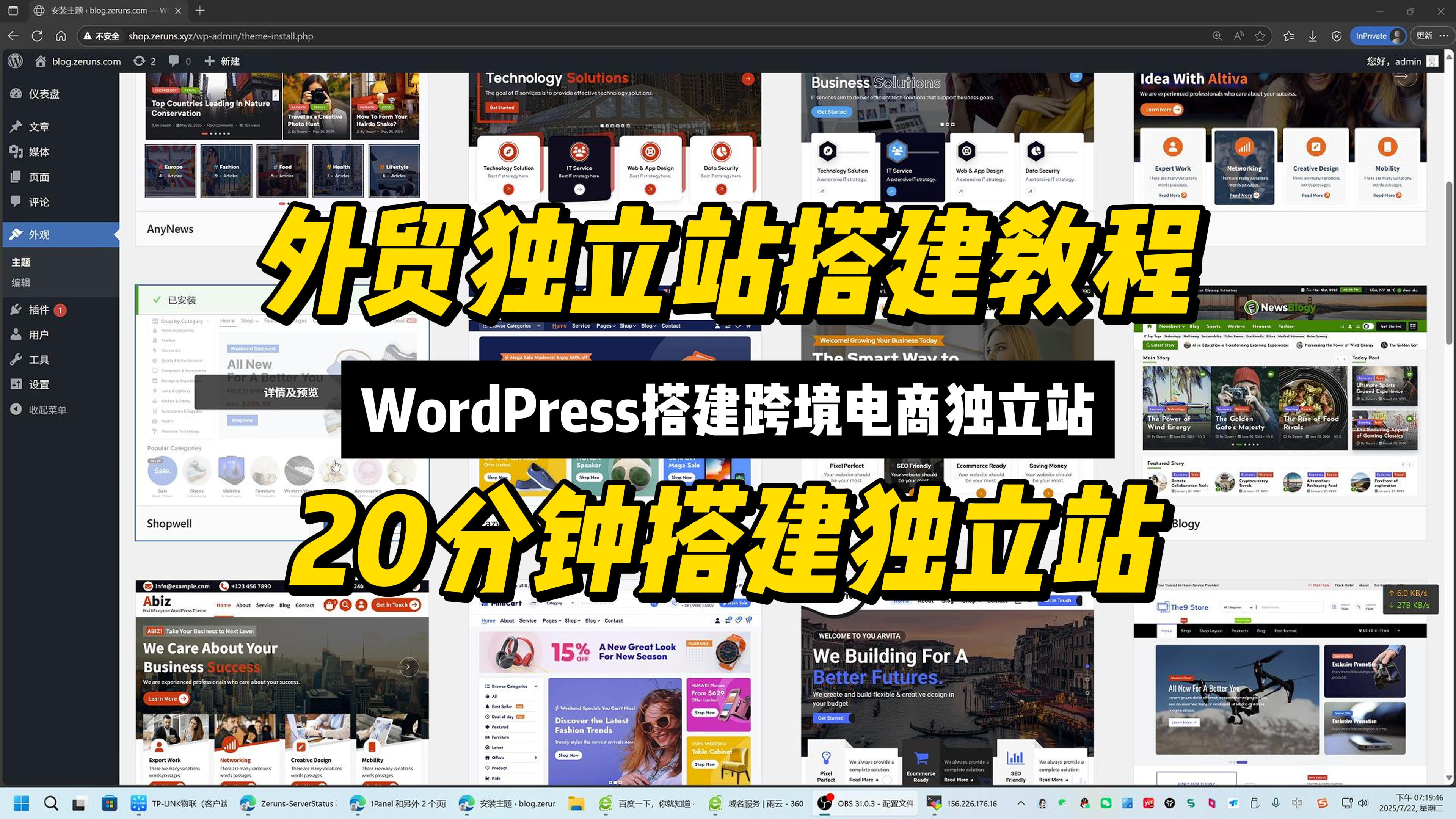
Tutorial: Building Cross-border E-commerce Independent Sites, WordPress Foreign Trade Site Guide
This tutorial provides a beginner-friendly, no-code guide to building a cross-border e-commerce independent website using Linux, 1Panel, WordPress, and WooCommerce. It covers domain registration, cloud server setup, 1Panel installation, WordPress deployment, theme and plugin configuration, store setup, and HTTPS activation. Readers gain full brand and data ownership, global reach, and independence from third-party platform rules and commissions through a fully open-source, containerized solution.
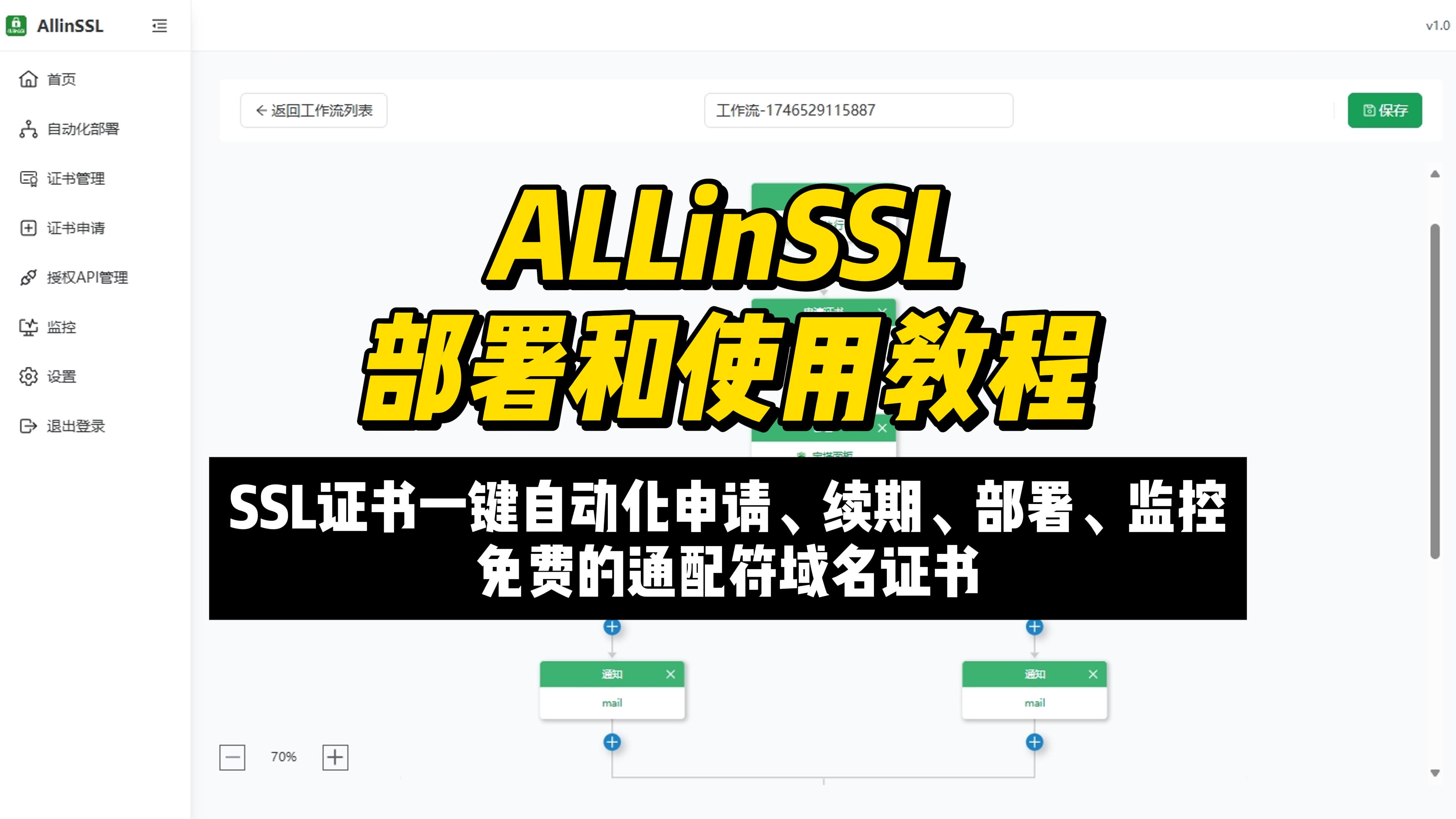
ALLinSSL Setup and User Guide: Automated SSL Certificate Management
This tutorial presents ALLinSSL, an open-source, free platform for automated SSL certificate management developed by the BT Panel team. It addresses scattered certificates, complex configurations, and renewal risks by offering centralized management, automated issuance/renewal/deployment, an intuitive web UI, and compatibility with Let's Encrypt, ZeroSSL, DNS providers, CDNs, and panels like 1Panel. The guide covers deployment via Linux script and Rainyun RCA cloud apps, then explains configuring DNS API, ZeroSSL credentials, and workflows to request and deploy wildcard certificates with automatic renewal.
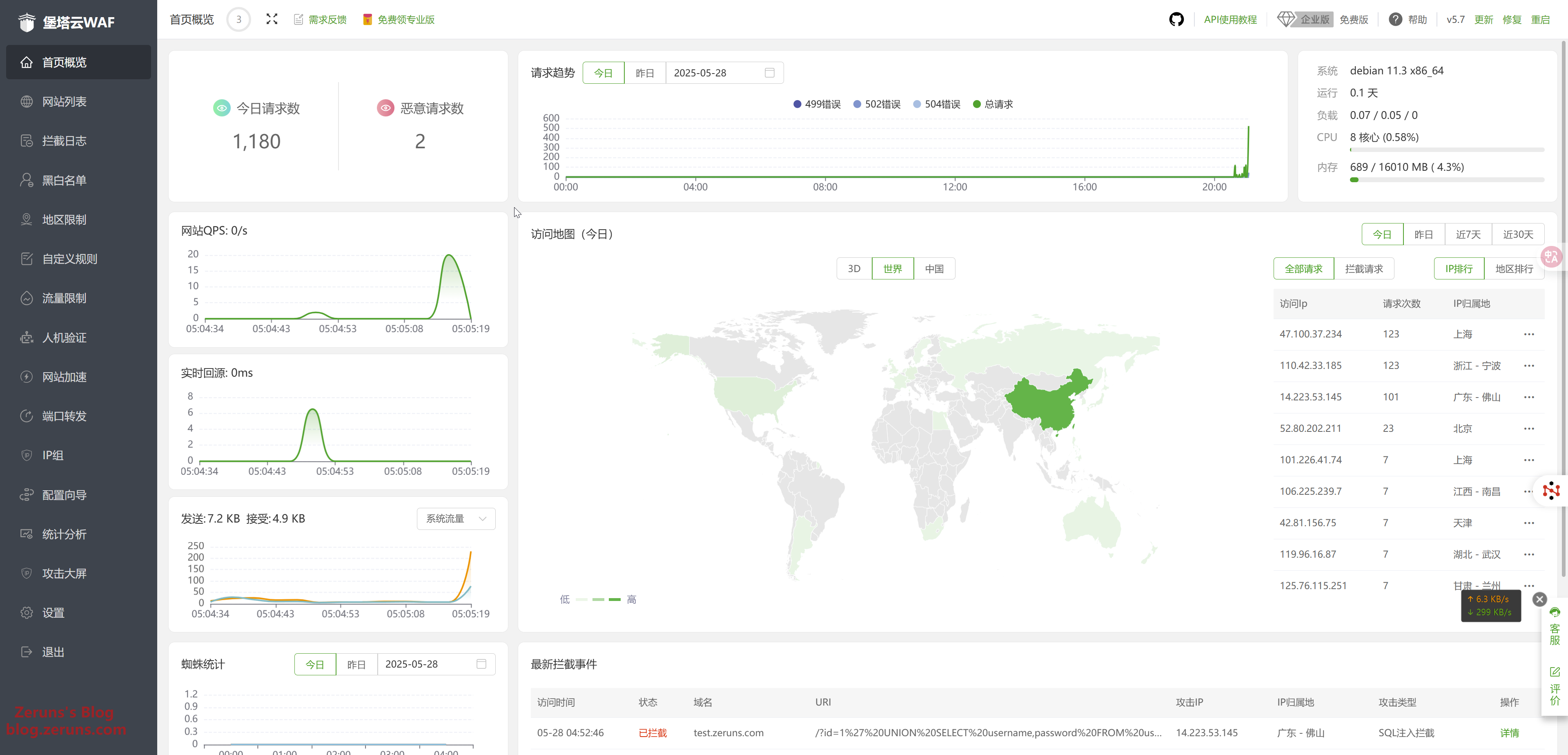
Essential aaWAF Guide for Blogs/Websites: Setup, Use & Secure Your Site Hands-On
aaWAF is a lightweight, open-source web application firewall suitable for personal blogs and small businesses. This tutorial explains how to deploy the free version on a Linux server, covering installation, adding a protected site, pointing DNS to the WAF, enabling SSL, and configuring defenses against SQL injection, XSS, CC attacks, and malicious bots.

Rain Cloud Apps: Build PHP Website on K8s-Based High-Availability Serverless Platform
This article presents a Kubernetes-based Rainyun Cloud Application (RCA) tutorial for deploying a PHP website, using Discuz! X3.5 and applicable to WordPress/Typecho. It covers project, database, and website creation, domain DNS CNAME setup, file upload and extraction, installation, cache updating, and HTTPS binding. RCA offers hourly billing, elastic scaling, self-healing, and a built-in app store.
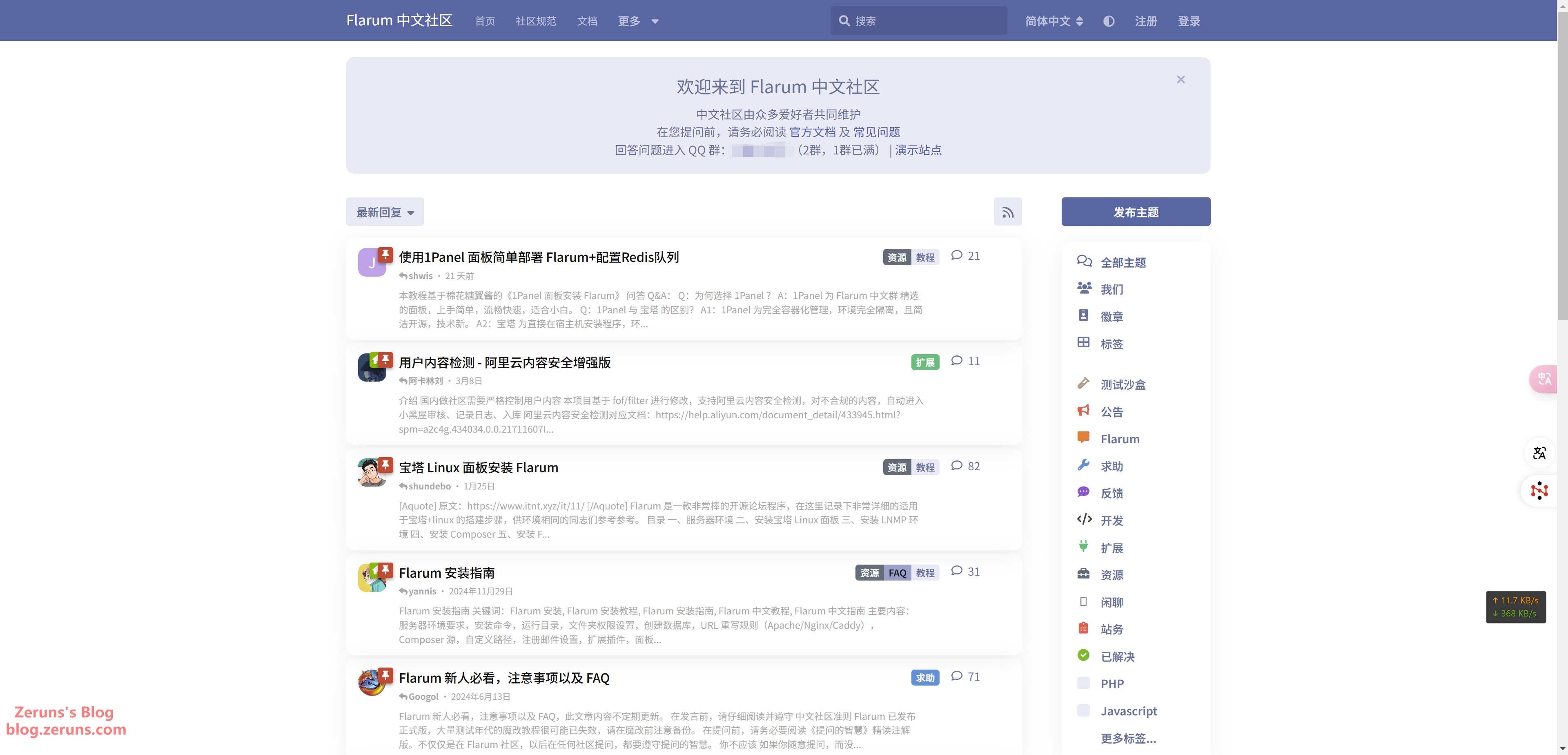
Flarum Forum Setup Guide: Build a Community Forum from Scratch + Themes & Extensions Installation
This article presents a beginner-friendly guide to building a modern forum using Linux, Docker, 1Panel, and Flarum. It details steps from domain registration to server setup, Flarum installation, customization, extension installation, and enabling HTTPS. Readable for novices, it emphasizes Docker's role in rapid deployment without manual PHP configuration, and highlights Flarum's modern, mobile-friendly, extensible design.
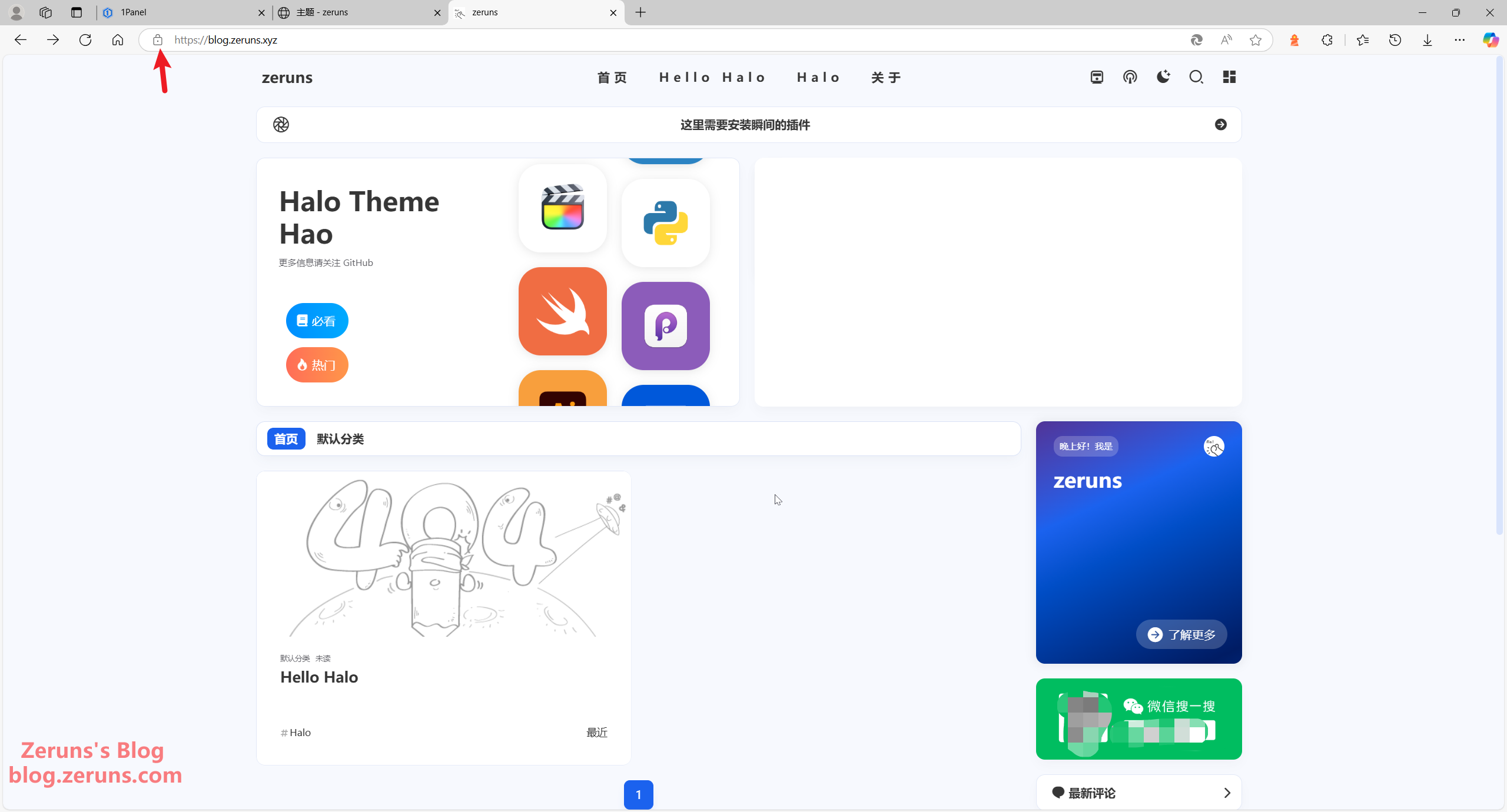
One-Click Halo Blog Deployment with 1Panel | Enterprise & Personal Website Setup Tutorial
This article provides a beginner-friendly tutorial for building a personal blog website using Linux, Docker, 1Panel, and Halo. It explains domain registration, cloud server purchase (Hong Kong server avoids ICP filing), 1Panel and Docker installation, Halo deployment, theme/plugin customization, and HTTPS/SSL setup. No programming skills are required. The solution is containerized and open-source, supports HTTPS, and with a theme change can also serve as a corporate website.
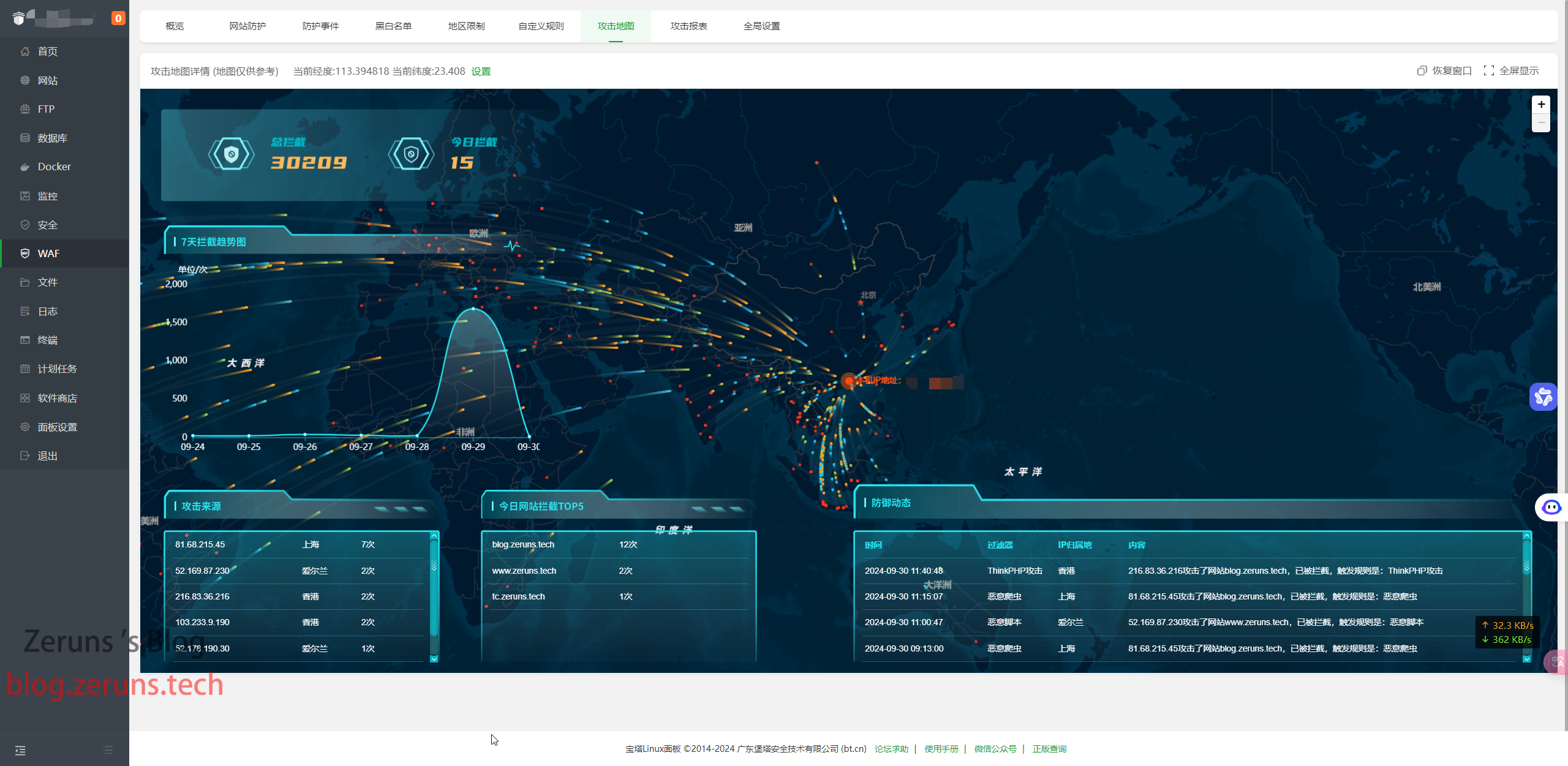
My blog website has been hit by CC attacks again. Here's a record
A sustained DDoS campaign targeted Zeruns’ image hosting and blog starting September 29, 2024. The first wave used 20GB of CDN traffic, with 1.1 billion HTTPS requests but only ~15 million billable due to QPS limits, causing a ¥50 loss. Logs totalled 16.54GB, analyzed via emed64. Attacks originated from numerous foreign IPs, mostly Android devices. Further attacks hit other domains on September 30 and October 1, consuming 380GB and costing ¥40.

Free SSL Certificate Application, Renewal, and Auto Deployment with Wildcard Domain Support
The article introduces httpsok, a free SSL certificate application and auto-deployment platform supporting wildcard domains from ZeroSSL, Let's Encrypt, and Google. It enables one-command issuance, renewal, and deployment to CDN/OSS providers, plus certificate monitoring. The text also explains SSL certificate functions, types, and the application process, offering benefits like automated management and free quotas. An alternative service, OHTTPS, is also mentioned.