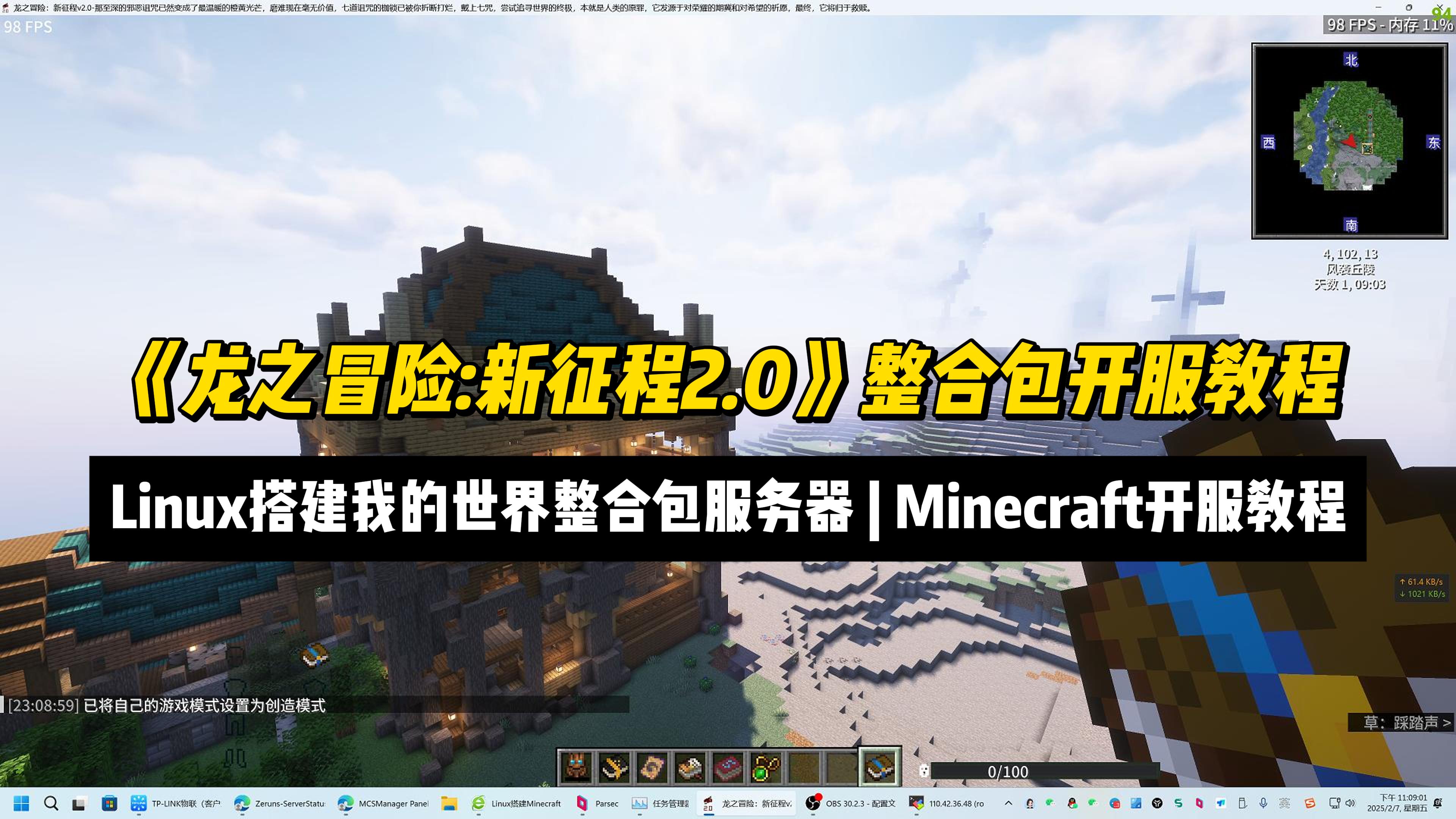
Setup a "Dragon Adventure: New Journey 2.0" MC ModPack Server | Minecraft Server Setup Tutorial
This article provides a tutorial for setting up a Minecraft mod pack server for “Dragon Adventure: New Journey 2.0” on Linux using MCSManager 10 and Docker. It covers mod pack features, hardware requirements, and step-by-step instructions including installing MCSM, Docker, Java 17, configuring port mapping, uploading the server archive, and launching the instance. Key facts include the mod pack’s 600+ quests, over 20 bosses, and 1.20.1 version base. Readers gain practical knowledge to deploy and manage the server, grant operator privileges, and connect clients.
How to Install Minecraft Bedrock Dedicated Server (BDS). Setting up a MC Bedrock Server on Debian
The article details a step-by-step Debian-based setup for a Minecraft Bedrock Edition server managed through the MCSManager (MCSM) web panel. It explains Bedrock Edition's cross-platform play and performance benefits, and why Debian is memory-efficient. The guide covers prerequisites (recommended 4-core/8GB RAM for ~15 players), port mapping for NAT servers, MCSM installation, installing the required libcurl library, running the official BDS server, and granting OP permissions. Readers gain a conveniently manageable multiplayer server accessible via web interface.
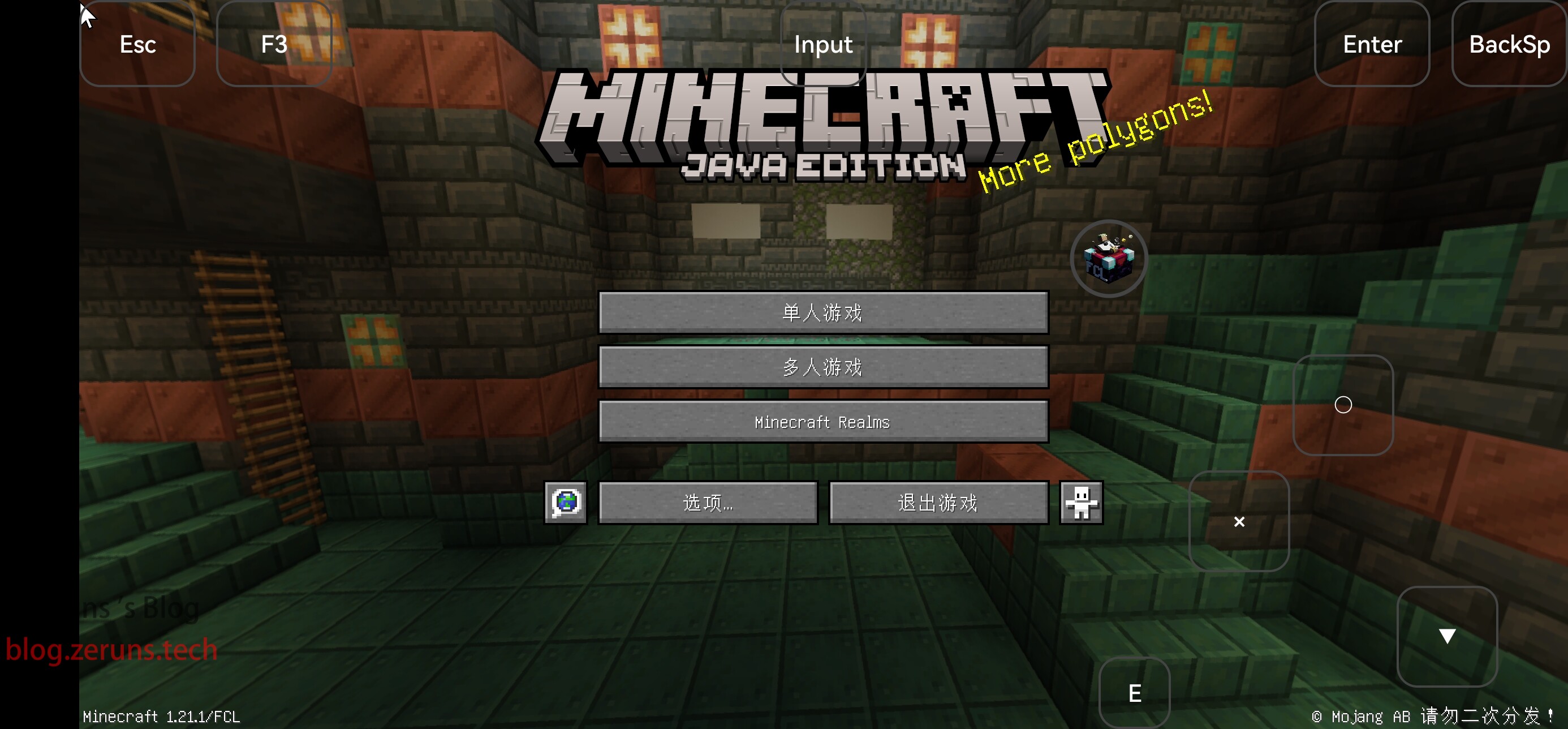
How to Install Minecraft Java Edition on Android: A Guide to Playing Java Minecraft on Your Phone
This article provides a step-by-step tutorial for installing Minecraft Java Edition on Android using the FCL launcher. It highlights FCL’s advantages, including support for versions 1.17 and above, a built-in Java runtime, and features like mod and shader support. The guide covers downloading the launcher, installing Java, selecting Minecraft 1.21.1, optionally installing Forge or Fabric, and launching the game.