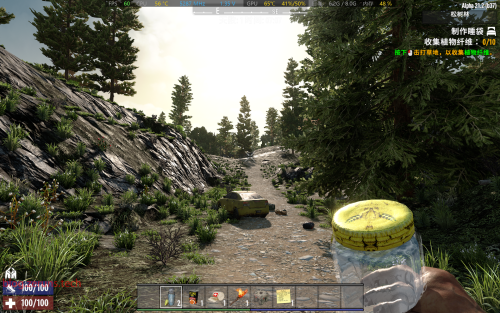
This guide explains how to set up a 7 Days to Die multiplayer server from scratch. It covers purchasing a Rainyun cloud server, connecting via Remote Desktop, configuring NAT port forwarding, expanding disk space, installing the server via SteamCMD, editing server configuration files, and joining the game by IP and port. Readers learn to host a playable server with friends using the provided beginner-friendly steps.