
RainYun W9-3495X Zhenjiang BGP High-Defense Game Cloud VPS, 4 Cores 8GB RAM 15Mbps for Only 82.8 CNY/month — the Best Choice for Minecraft Server Hosting!
RainYun's Jiangsu Zhenjiang BGP game cloud VPS uses an Intel Xeon W9-3495X, offering strong single-core performance for game servers. The tested NAT plan has 4 cores, 8GB RAM, 30GB+20GB storage, 15Mbps upload, 200Mbps download, 200Gbps shared DDoS protection, and up to 15 port mappings. It costs 148 CNY/month; with stacked discounts, annual payment is about 82.88 CNY/month. Benchmarks: Geekbench 6 1599/5023, average three-carrier latency 29ms.

RainYun 14900K Zhenjiang BGP High-Defense Game Cloud VPS, 4 Cores 8GB RAM 15Mbps for Only 123 CNY/month — the Best Choice for Minecraft Server Hosting!
RainYun's Jiangsu Zhenjiang BGP game cloud VPS uses an Intel i9-14900K, whose strong single-core performance suits Minecraft servers. The reviewed NAT plan offers 4 cores, 8GB RAM, 30GB+20GB storage, unlimited traffic, 15Mbps upload/200Mbps download, shared 200Gbps DDoS protection, and up to 15 port mappings, discounted to 123.2 CNY/month after stacked coupons. Tests recorded Sysbench single-thread 4871.7, multi-thread 19320.24, 188.86Mbps download, and 29ms average three-carrier latency. RainYun provides 7-day refunds and 1 CNY one-day trials.
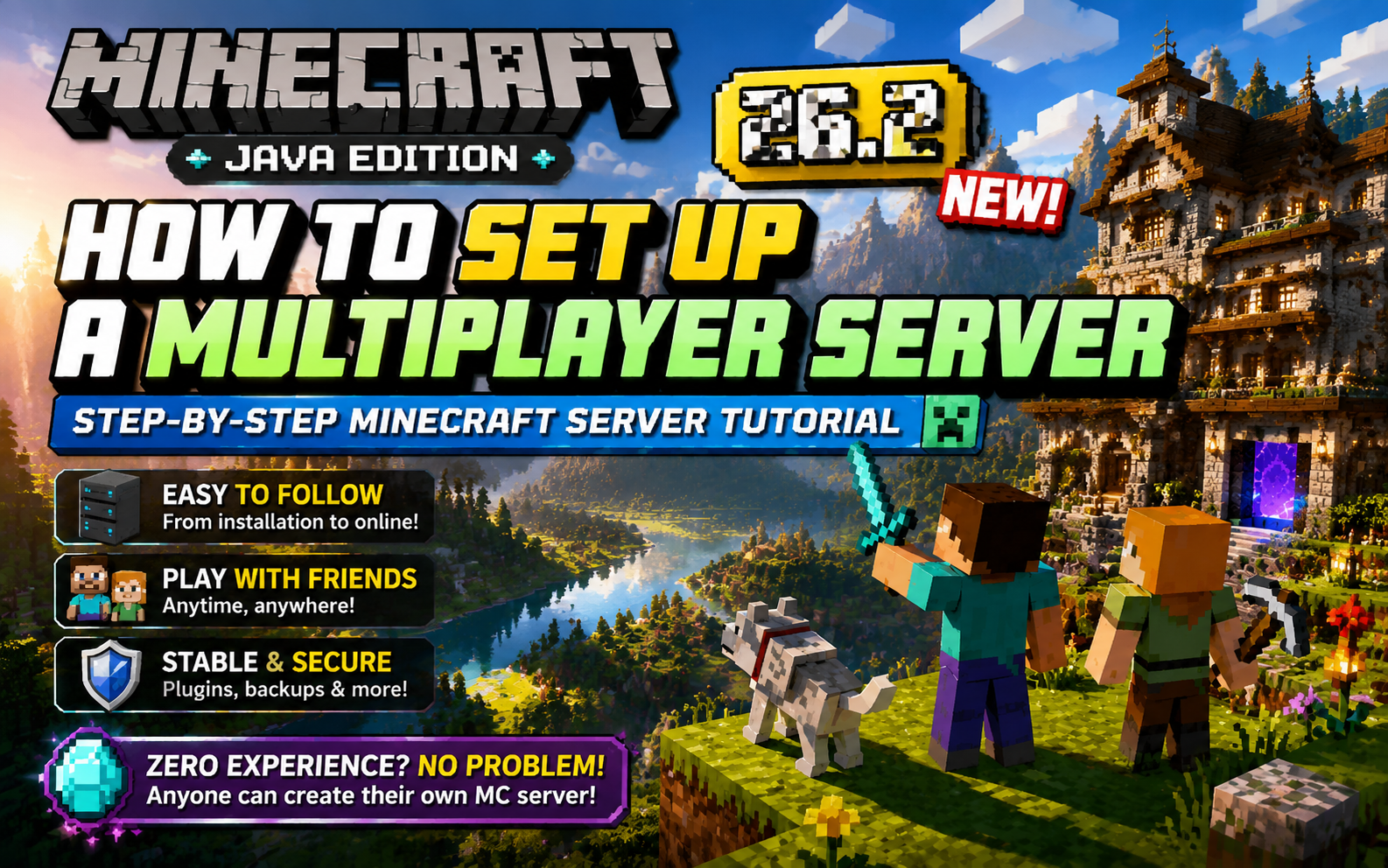
Build Your Own Minecraft 26.2 Server: A Step-by-Step Java Edition Hosting Guide for Beginners
This guide explains how to set up a vanilla Minecraft Java Edition server using Debian, MCSManager, and Docker on a cloud VPS. It covers purchasing a VPS, NAT port mapping, installing the MCSM panel and JDK, configuring and launching the server, and connecting from the client. Readers learn to manage a 24/7 server via a visual panel, control game modes, and play with friends.
![Minecraft Modpack [Mori Garden] Multiplayer Server Setup Tutorial — Hosting MC Server on Linux](https://tc2.zeruns.com/2025/10/06/image-20251006180105918f5228bd5b8514690.png)
Minecraft Modpack [Mori Garden] Multiplayer Server Setup Tutorial — Hosting MC Server on Linux
This guide explains how to host a Minecraft Mori Garden modpack multiplayer server on Linux using MCSManager 10 and Docker. It covers downloading the client and server packages, selecting a high-performance VPS with at least 4 cores and 8 GB RAM, installing MCSM and Docker, creating an OpenJDK 17 image, importing the server archive, enabling Docker containerization, and editing server.properties. Mori Garden is a peaceful farming-themed Forge 1.20.1 modpack. Readers learn to start the server, connect using IP and port, and grant OP privileges, enabling a relaxing rural Minecraft experience with friends.

Minecraft Better MC Modpack Server Setup & Multiplayer Tutorial | BMC4 Chinese Version Download
This article explains how to deploy a Better MC [FORGE] BMC4 modpack server on Linux using MCSManager. It includes client and server downloads with a Chinese language patch. The modpack adds over 270 mods, 100+ quests, adventure and RPG exploration, and multiplayer support. The guide covers installing MCSM10, Docker, and Java 17, uploading the server ZIP, running it via run.sh, and editing server.properties. At least 4 cores and 8GB RAM with strong single-thread CPU performance are required. Players join using the server IP and port, while admins can grant operator permissions via console commands.
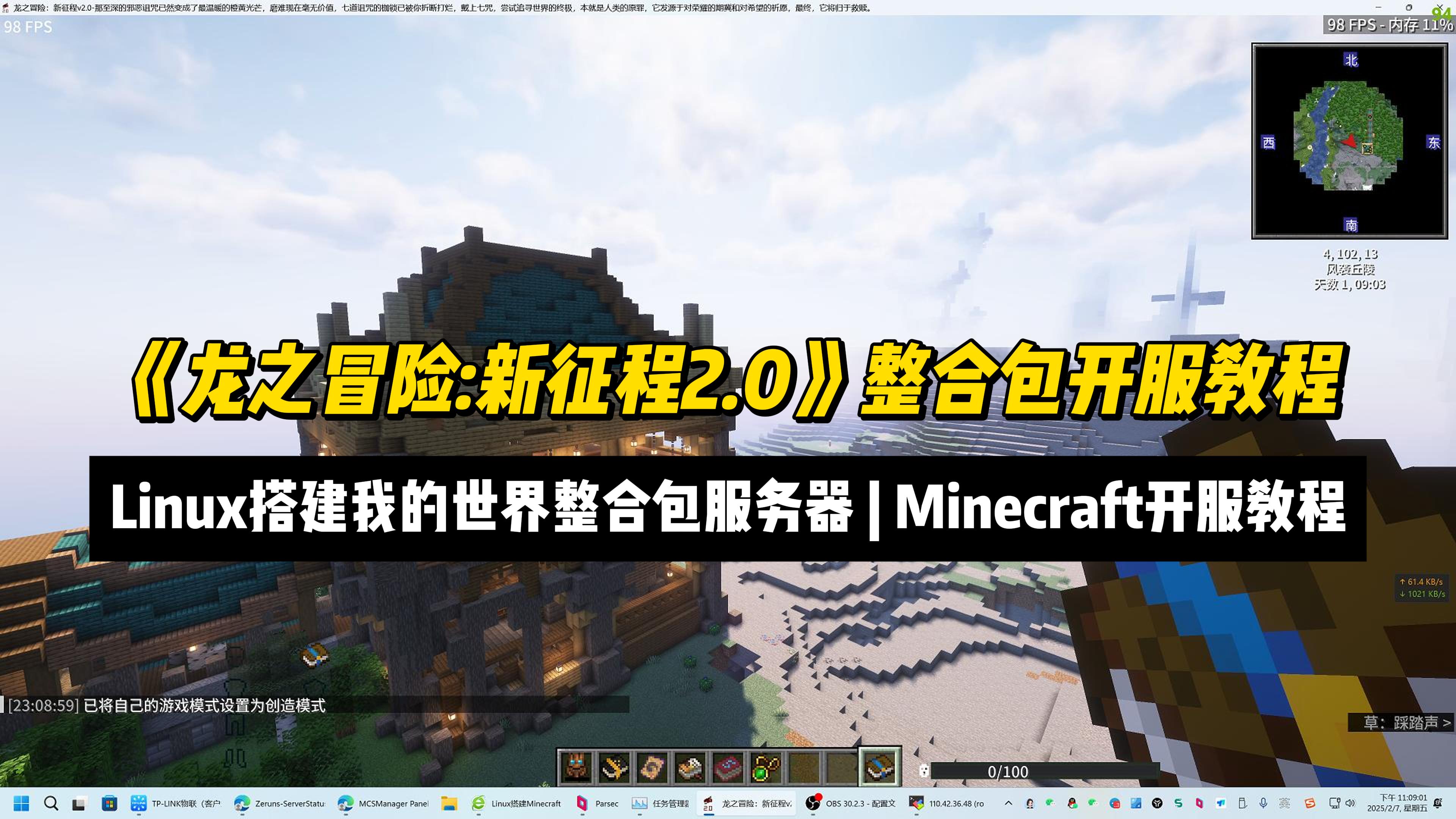
Setup a "Dragon Adventure: New Journey 2.0" MC ModPack Server | Minecraft Server Setup Tutorial
This article provides a tutorial for setting up a Minecraft mod pack server for “Dragon Adventure: New Journey 2.0” on Linux using MCSManager 10 and Docker. It covers mod pack features, hardware requirements, and step-by-step instructions including installing MCSM, Docker, Java 17, configuring port mapping, uploading the server archive, and launching the instance. Key facts include the mod pack’s 600+ quests, over 20 bosses, and 1.20.1 version base. Readers gain practical knowledge to deploy and manage the server, grant operator privileges, and connect clients.
7 Days To Die Server Setup Guide. How to Set Up Your Own 7 Days To Die Dedicated Server
This guide explains how to set up a 7 Days to Die multiplayer server from scratch. It covers purchasing a Rainyun cloud server, connecting via Remote Desktop, configuring NAT port forwarding, expanding disk space, installing the server via SteamCMD, editing server configuration files, and joining the game by IP and port. Readers learn to host a playable server with friends using the provided beginner-friendly steps.
How to Install Minecraft Bedrock Dedicated Server (BDS). Setting up a MC Bedrock Server on Debian
The article details a step-by-step Debian-based setup for a Minecraft Bedrock Edition server managed through the MCSManager (MCSM) web panel. It explains Bedrock Edition's cross-platform play and performance benefits, and why Debian is memory-efficient. The guide covers prerequisites (recommended 4-core/8GB RAM for ~15 players), port mapping for NAT servers, MCSM installation, installing the required libcurl library, running the official BDS server, and granting OP permissions. Readers gain a conveniently manageable multiplayer server accessible via web interface.
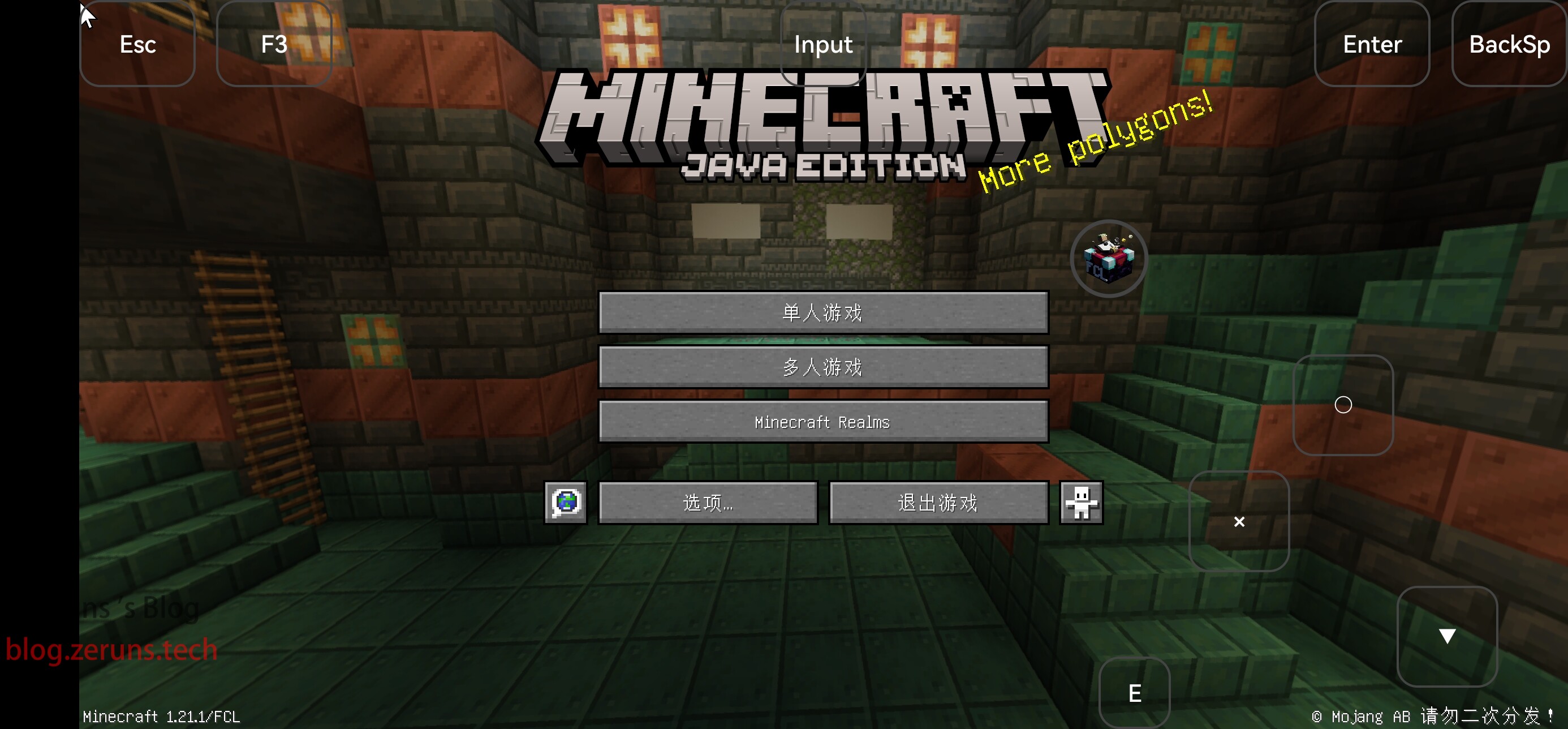
How to Install Minecraft Java Edition on Android: A Guide to Playing Java Minecraft on Your Phone
This article provides a step-by-step tutorial for installing Minecraft Java Edition on Android using the FCL launcher. It highlights FCL’s advantages, including support for versions 1.17 and above, a built-in Java runtime, and features like mod and shader support. The guide covers downloading the launcher, installing Java, selecting Minecraft 1.21.1, optionally installing Forge or Fabric, and launching the game.