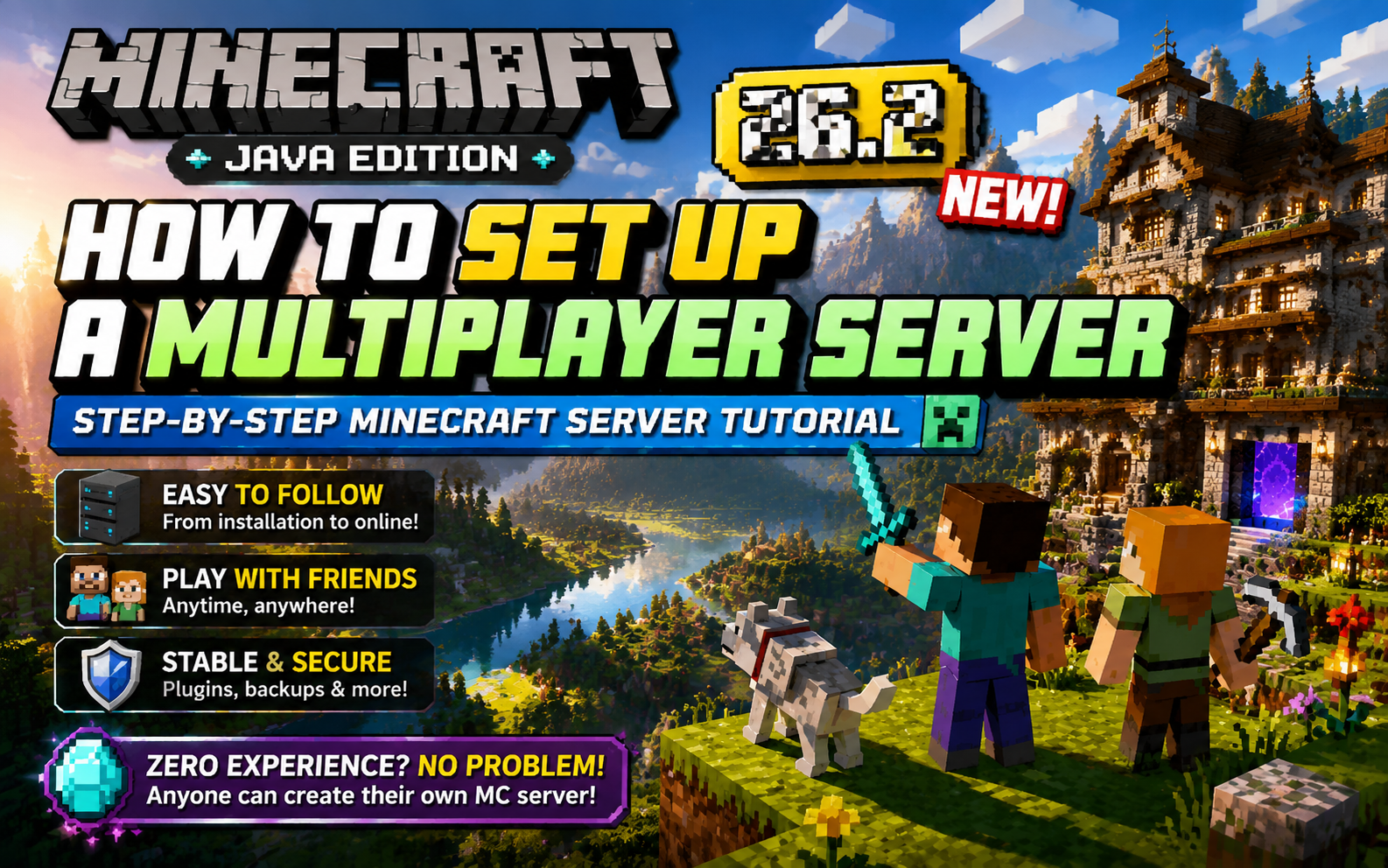
Build Your Own Minecraft 26.2 Server: A Step-by-Step Java Edition Hosting Guide for Beginners
This guide explains how to set up a vanilla Minecraft Java Edition server using Debian, MCSManager, and Docker on a cloud VPS. It covers purchasing a VPS, NAT port mapping, installing the MCSM panel and JDK, configuring and launching the server, and connecting from the client. Readers learn to manage a 24/7 server via a visual panel, control game modes, and play with friends.
![Minecraft Modpack [Mori Garden] Multiplayer Server Setup Tutorial — Hosting MC Server on Linux](https://tc2.zeruns.com/2025/10/06/image-20251006180105918f5228bd5b8514690.png)
Minecraft Modpack [Mori Garden] Multiplayer Server Setup Tutorial — Hosting MC Server on Linux
This guide explains how to host a Minecraft Mori Garden modpack multiplayer server on Linux using MCSManager 10 and Docker. It covers downloading the client and server packages, selecting a high-performance VPS with at least 4 cores and 8 GB RAM, installing MCSM and Docker, creating an OpenJDK 17 image, importing the server archive, enabling Docker containerization, and editing server.properties. Mori Garden is a peaceful farming-themed Forge 1.20.1 modpack. Readers learn to start the server, connect using IP and port, and grant OP privileges, enabling a relaxing rural Minecraft experience with friends.

Minecraft Better MC Modpack Server Setup & Multiplayer Tutorial | BMC4 Chinese Version Download
This article explains how to deploy a Better MC [FORGE] BMC4 modpack server on Linux using MCSManager. It includes client and server downloads with a Chinese language patch. The modpack adds over 270 mods, 100+ quests, adventure and RPG exploration, and multiplayer support. The guide covers installing MCSM10, Docker, and Java 17, uploading the server ZIP, running it via run.sh, and editing server.properties. At least 4 cores and 8GB RAM with strong single-thread CPU performance are required. Players join using the server IP and port, while admins can grant operator permissions via console commands.
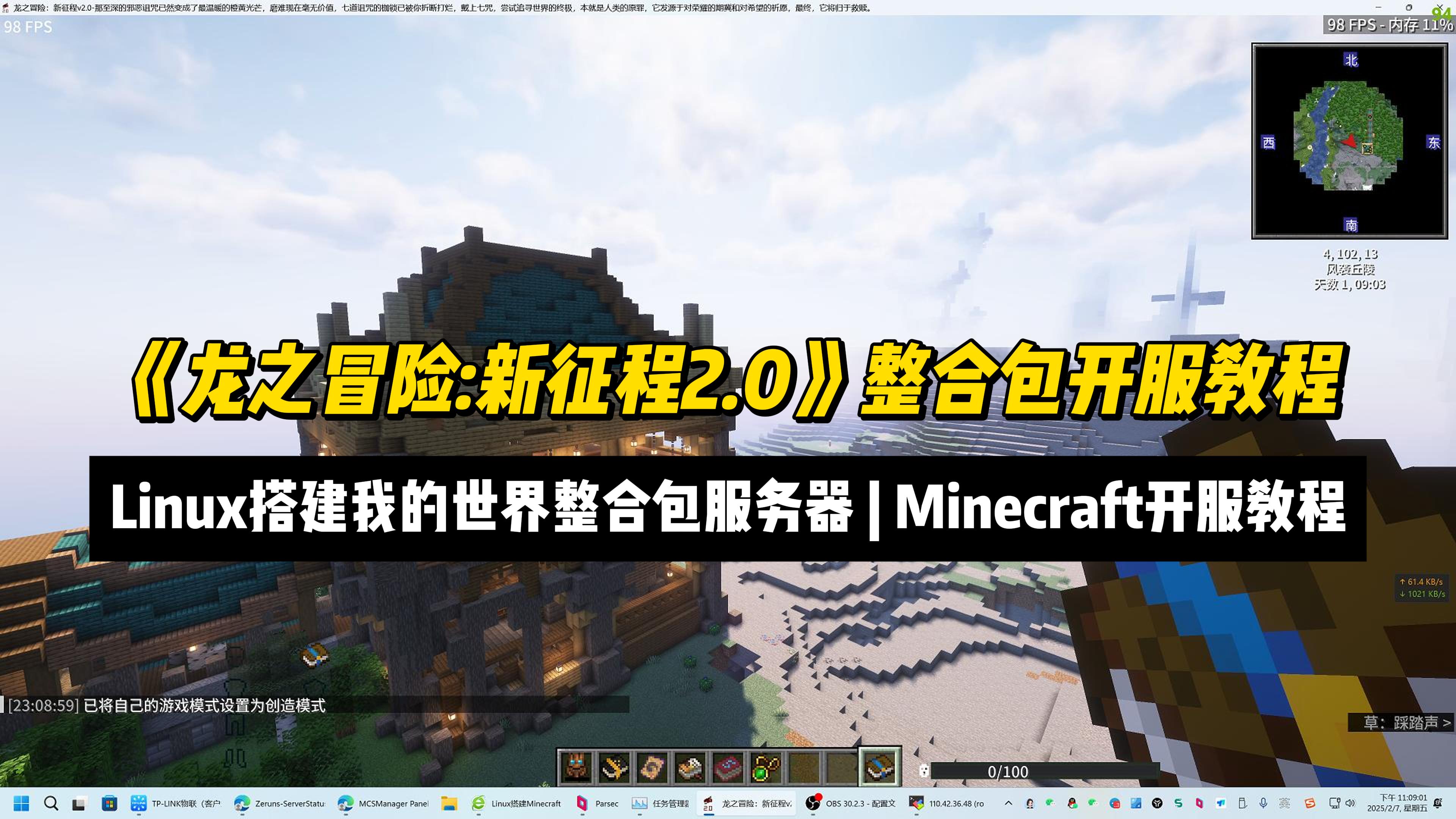
Setup a "Dragon Adventure: New Journey 2.0" MC ModPack Server | Minecraft Server Setup Tutorial
This article provides a tutorial for setting up a Minecraft mod pack server for “Dragon Adventure: New Journey 2.0” on Linux using MCSManager 10 and Docker. It covers mod pack features, hardware requirements, and step-by-step instructions including installing MCSM, Docker, Java 17, configuring port mapping, uploading the server archive, and launching the instance. Key facts include the mod pack’s 600+ quests, over 20 bosses, and 1.20.1 version base. Readers gain practical knowledge to deploy and manage the server, grant operator privileges, and connect clients.